web
You’re offline. This is a read only version of the page.
close
Skip to main content

Announcements

News and Announcements icon
Community site session details

Community site session details

Session Id :
Power Platform Community / Forums / Power Apps / Power App for Teams Pu...
Power Apps
Answered

Power App for Teams Publishing Issue

(0) ShareShare
ReportReport
Posted on by 4

We are experiencing an issue across multiple Power Apps for Teams environments.

Within the last two weeks, all environments began returning HTTP 500 errors when attempting to:

  • Publish new apps to Microsoft Teams
  • Publish updates to existing apps

This issue is occurring across several Teams environments, including:

  • Environments that use SharePoint as the only data source
  • Environments that use Dataverse for Teams

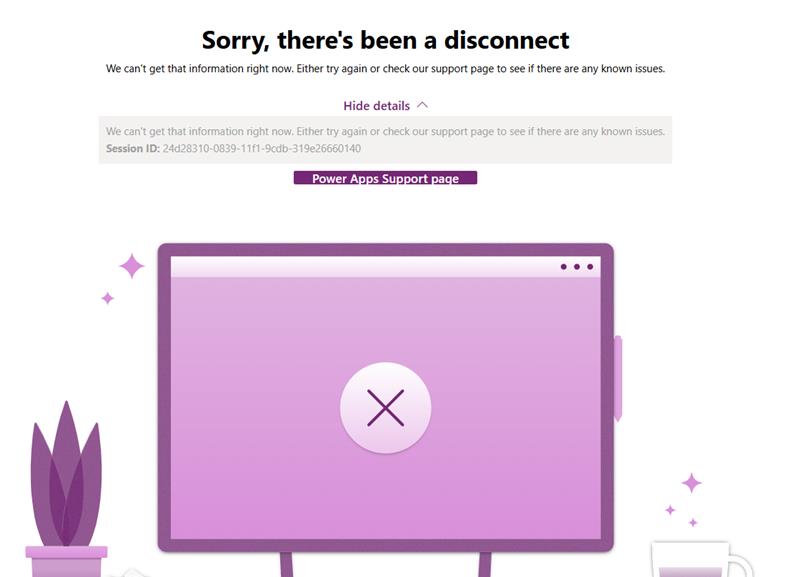
In addition, when attempting to create a new Dataverse for Teams table, we receive an error (screenshot attached).

We have verified the following:

  • Dataverse for Teams capacity is well within the 2GB limit
  • The issue is not isolated to a single environment
  • The issue occurs for multiple users

A support ticket has been opened with Microsoft, but we are posting here to determine whether others are experiencing similar behavior or are aware of any recent platform changes that could be causing this.

Any insight would be appreciated.


I have the same question (0)
  • Verified answer
    JamzMo Profile Picture
    9 on at

    Instead of publishing directly to the channel, share the app from within Power Apps for Teams:


    1.  

      Open Microsoft Teams

    2.  

      Open the Power Apps app (left rail)

    3.  

      Go to Build → find your app

    4.  

      Click the … (ellipsis) next to the app name

    5.  

      Click Add to Teams, add to teams again, Open and then choose the channel you want to publish the App to.


    This worked for me following similar problems. 

  • CU12021753-0 Profile Picture
    4 on at
    JamzMo - This worked. Thank you so much. I'm curious if you have any idea why the other way of publishing stopped working? I'm curious if it ever started working for you again? 
  • JM-02031020-0 Profile Picture
    2 on at
    We are suffering from the same problem. In the meantime, the "Http 500" errors have turned into "Http 400".
     
    The five steps above looked promising, but the last step only yields a popup labelled "Something didn't work" with no further information.
     
    It also affects newly created Canvas Apps with no connectors. At the moment, we are unable to update _any_ app or publish new ones.

Under review

Thank you for your reply! To ensure a great experience for everyone, your content is awaiting approval by our Community Managers. Please check back later.

Helpful resources

Quick Links

Season of Sharing Community Challenge Launch!

Jump in, show your community spirit, and win prizes!

Kudos to our 2025 Community Spotlight Honorees

Expanding mentorship, skilling, and AI innovation

Congratulations to the May Top 10 Community Leaders!

These are the community rock stars!

Leaderboard > Power Apps

#1
Valantis Profile Picture

Valantis 424

#2
WarrenBelz Profile Picture

WarrenBelz 355 Most Valuable Professional

#3
11manish Profile Picture

11manish 290

Last 30 days Overall leaderboard
