But the data still showing like this in the collection:
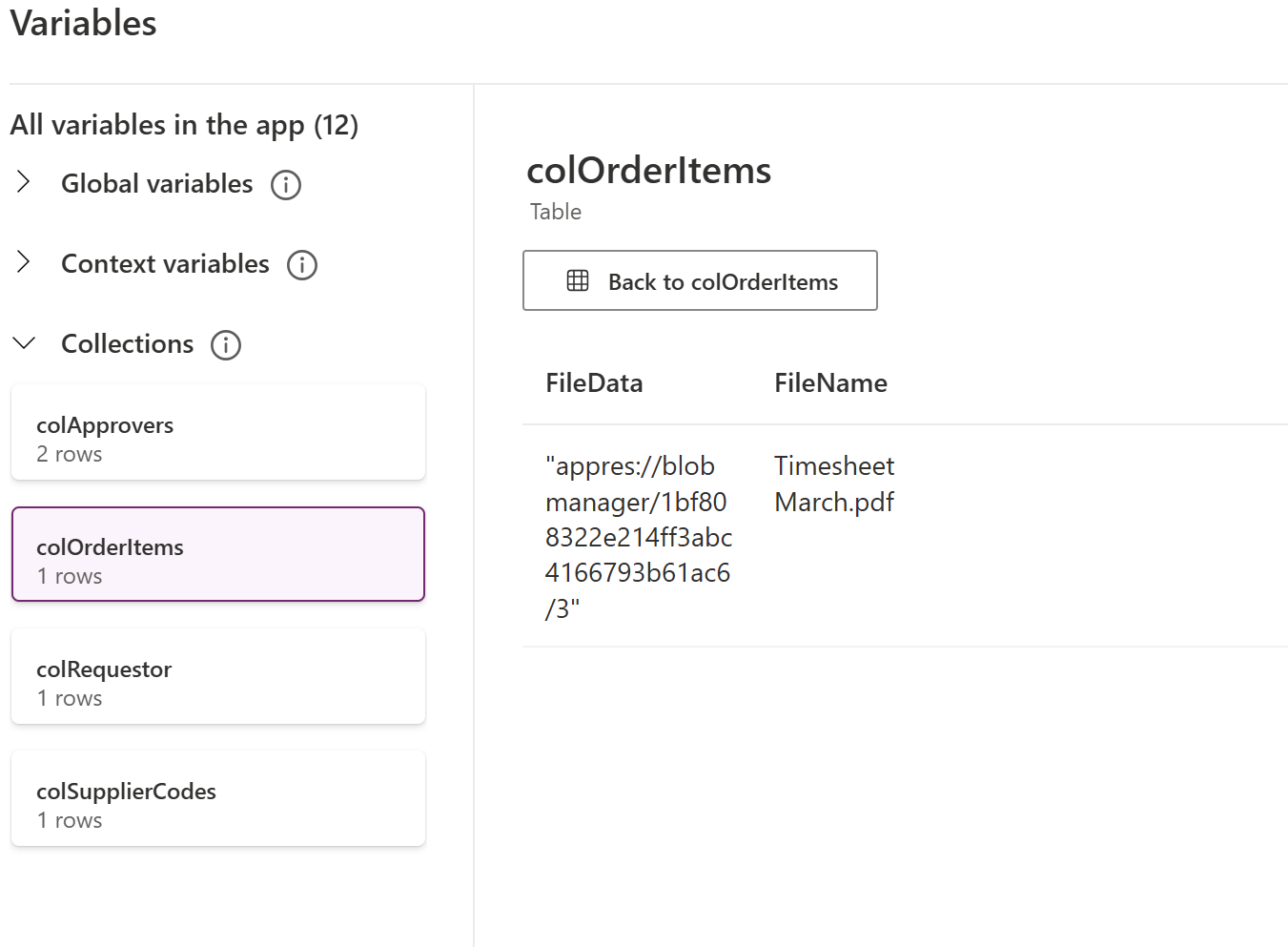
So, I would like to know how to correctly convert it to binary?

It is not completely straightforward to convert the appres://blobmanager/... value directly into a native binary file inside Power Apps.
What I would recommend instead is using Base64, which is essentially binary content encoded as text. This makes it much easier to pass the file from Power Apps to other services, and then convert it back into a real file when needed.
Below is an example of an approach that works reliably.
1. Add an Attachment control
Upload your file using the Attachment control.
2. Add an Image control (hidden)
Place an Image control (it does not need to be visible) and set its Image property to:
3. Convert the content to Base64
On a button (e.g. OnSelect), convert the image content to JSON and extract only the Base64 part:
4. Use the Base64 output
The variable varBase64Only now contains the Base64 string.
This can be stored as text or sent to Power Automate / API and later converted back into a file.
This Base64 value is not “raw binary” inside Power Apps, but it represents the file content encoded as text.
That is sufficient for most scenarios, because it can be converted back into the original file when needed.
Handling the appres://blobmanager/... reference directly as binary in Power Apps is difficult and not reliable.
Using Base64 is a common and stable pattern for:
You do not need to force Power Apps to produce raw binary.
Instead:
base64ToBinary() in Power Automate)I hope this helps. If this resolves your issue, feel free to accept my solution.
