Introduction :
How to disable Form JavaScript Using URL in Model Driven app and MSCRM .
Implementation Steps:
- Navigate to your Environment
- Open the Form which is Broken in my Case it is CONTACT FORM
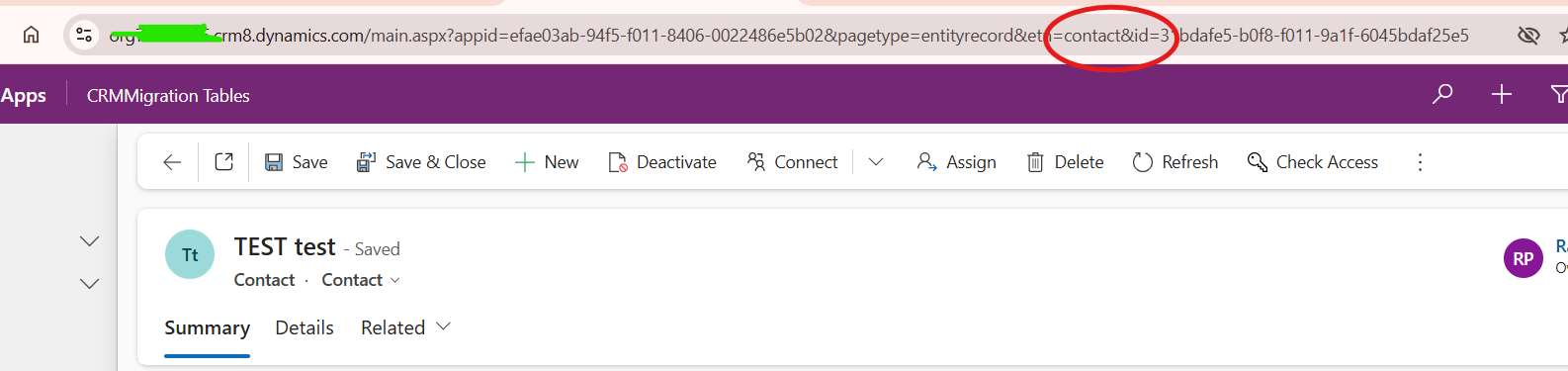
- Copy the URL and Put it in NotePad

- Append the Below Script in the URL
&flags=DisableFormLibraries=true
- Final Output Will be

- Verify Form Loads Successfully
- Now if the Form Loads successfully it confirms that the issue is with Code
- Now you can open the form and add Debugger and Start your testing.
Conclusion:
Based on above steps you can easily find the issue either it is from JavaScript or Form issue.


