Before the built-in Confirm() function existed, adding a simple yes/no confirmation in Power Apps required significant manual effort. In canvas apps, developers typically had to create overlay screens, place message text and action buttons, and manage visibility and state with variables and formulas, similar behavior often demanded custom JavaScript or other workaround techniques. These bespoke solutions increased development and maintenance overhead and resulted in inconsistent, hard-to-manage user experiences.
Fortunately, the new Power Fx Confirm() function fixes this headache. It gives you a native, customizable confirmation dialog with one function call – no custom pop-up screens, no visibility toggles, and no extra JavaScript. Now you get a nice, built-in “Are you sure?” box that matches your app’s design, so you don’t have to build it yourself anymore.
This blog focuses on practical use of the Confirm() function – prompting users to confirm important actions such as leaving a form with unsaved changes or performing irreversible operations. The function displays a confirmation message and waits for the user’s response, returning a simple true or false value that can be used directly in Power Fx function. It also allows optional customization, such as setting a title( text which will be displayed as the dialog title ), subtitle( text which will be displayed as the dialog subtitle between the title and the message ), and meaningful button labels( ConfirmButton and CancelButton ), so the dialog clearly reflects the action being confirmed. This makes it easy to add clear, professional confirmation dialogs without building custom pop-ups or adding unnecessary complexity.
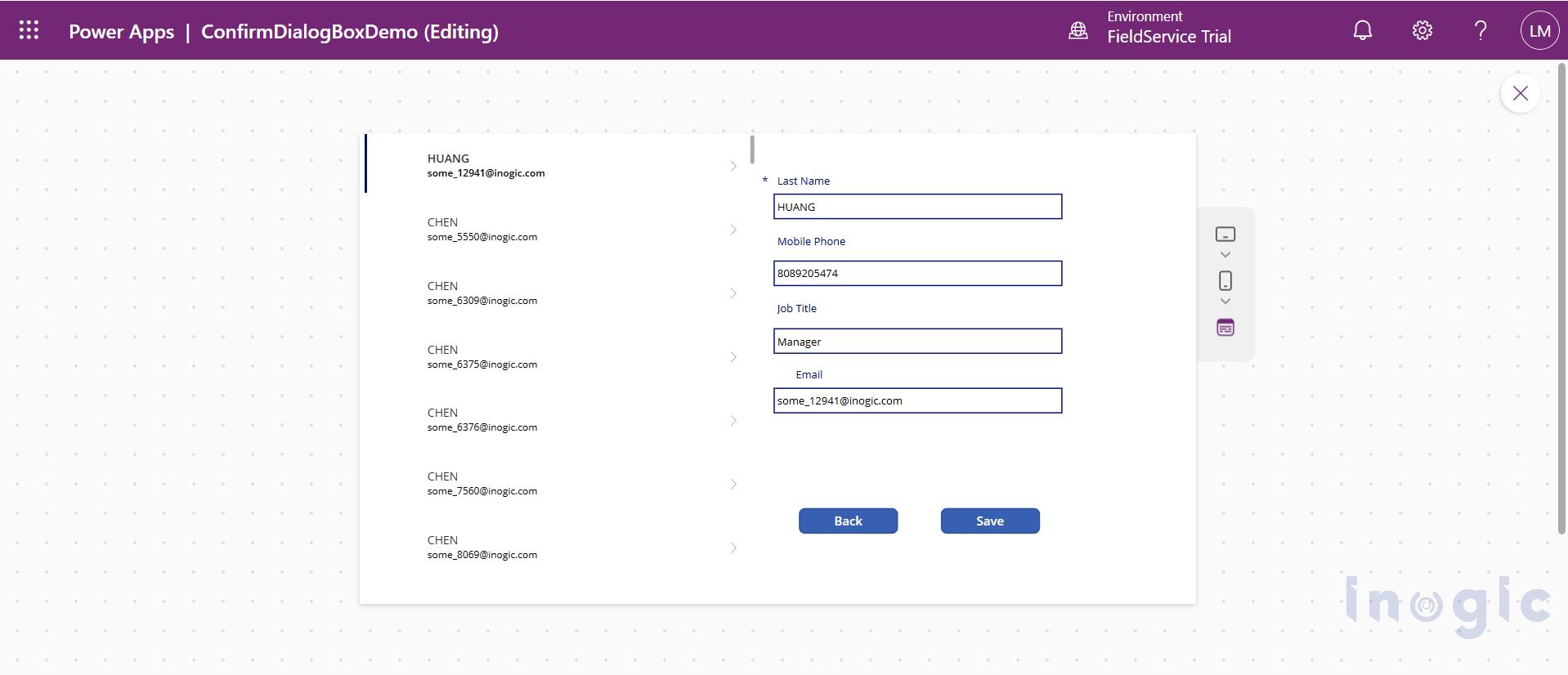
Set the button’s OnSelect to use Confirm(). Select the Back button and open its OnSelect property...Read More>>


