Modern approval processes are often slow, manual, and inconsistent, leading to delays, policy violations, and poor decision-making. In this solution, we combine Power Apps, Power Automate, and Copilot to create an intelligent purchase approval system.
Employees submit requests through a Power Apps form, and AI instantly analyzes each request and detects risks, and recommends actions. Based on AI-driven insights, Power Automate dynamically routes approvals such as auto-approve, manager review, or high-risk escalation to finance team.
Example Use Case
Scenario: USB Keyboard Purchase Request
An employee from the IT department submits a request to purchase a USB keyboard.
Step 1: Make a Model Driven App & Create the Flow
Once your structured data file is ready, create a new agent in Copilot Studio.
- Open Microsoft Power Apps and create a Model-Driven App.
- Create a Purchase Request table with fields: Item, Cost, Reason, Department.
- Open Microsoft Power Automate and create a new flow for the approval process.
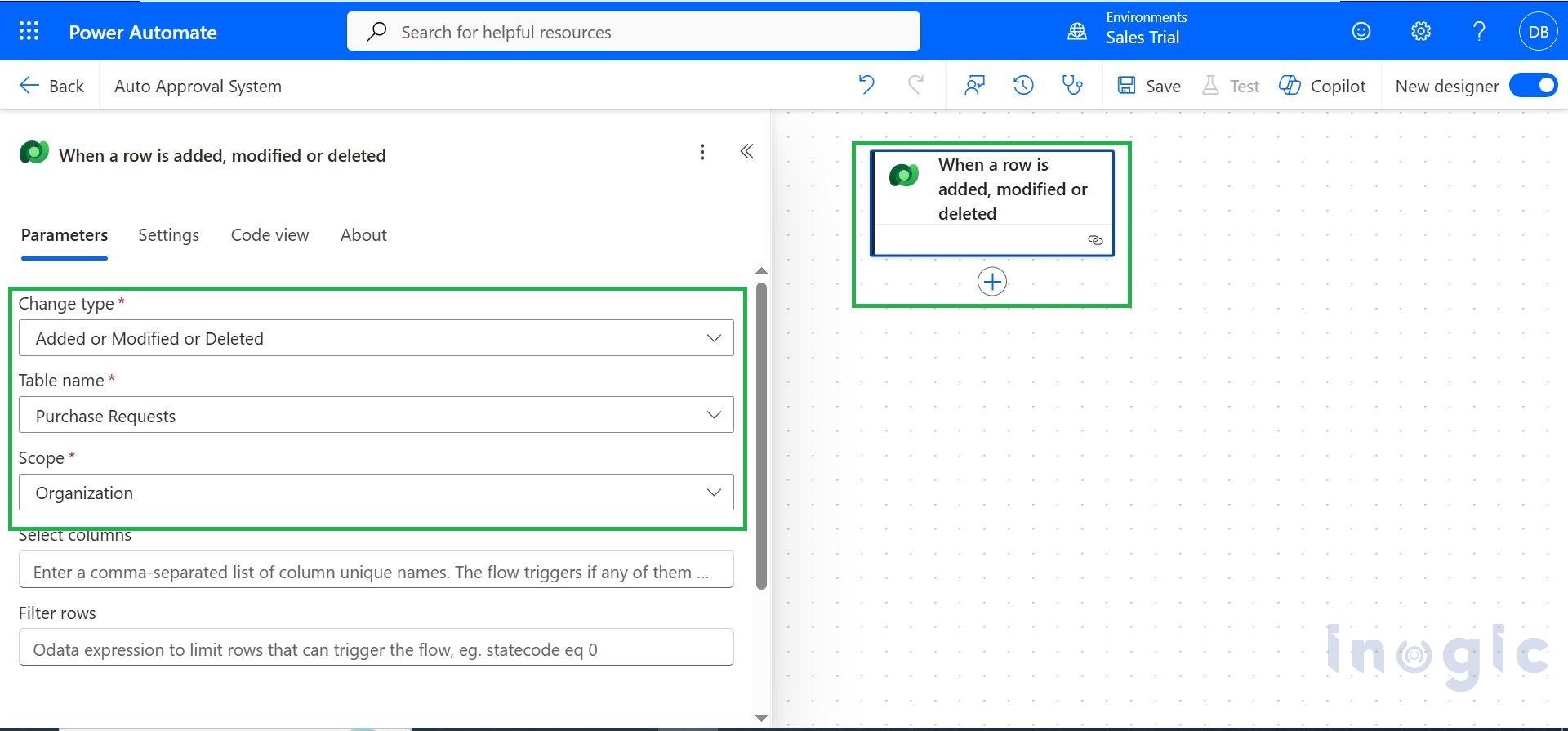
Step 2: Add “Run a Prompt” Action
- In Microsoft Power Automate, add a new action “Run a Prompt”.
- Choose Custom Prompt to define your own AI logic.
- Configure the prompt to analyze purchase request details (Item, Cost, Reason, Department)... Read More


