web
You’re offline. This is a read only version of the page.
close
Skip to main content
Community site session details

Community site session details

Session Id :
Power Platform Community / Forums / Power Automate / Creating Horizontal Im...
Power Automate
Unanswered

Creating Horizontal Image Gallery in HTML PDF Formulation

(0) ShareShare
ReportReport
Posted on by 5,323 Super User 2025 Season 2
I am trying to write a flow that creates a PDF form that has multiple galleries of images.

I've got most of it working.

There are four 'Sections' in the form - Administrative, Maintenance, Landscaping, Security.

I need each gallery to show the images horizontally with three to four images across each line.

I would also like the images that appear in each section to by dynamic (the example below is
hard-coded). The images will be stored in a SharePoint Library and will have a naming nomenclature
of 'Location-Section-Date'.

I have provided a section of my html code, and a screenshot of the PDF form currently created.

 
Categories:
I have the same question (0)
  • Verified answer
    Pstork1 Profile Picture
    68,678 Most Valuable Professional on at
    Creating Horizontal Image Gallery in HTML PDF Formulation
    In my experience the only way to embed an Image in a PDF file generated in Power Automate is to retrieve the file and convert it using dataUri().  Then embed that JSON encoded string as the Image source.  Here's a screenshot of the steps where I retrieve a dynamic image by path and encode it.
    Then I use that encoded image in my HTML table.

    ----------------------------------------------------------------------------------
    If this Post helped you, please click "Does this answer your question" and give it a like to help others in the community find the answer too!

    Paul Papanek Stork, MVP
    Blog: https://www.dontpapanic.com/blog
     
  • Phineas Profile Picture
    5,323 Super User 2025 Season 2 on at
    Creating Horizontal Image Gallery in HTML PDF Formulation
    Thank you for your reply.

    What if there are multiple images associated with multiple actions.

    Example: There is a site survey.
    The survey includes multiple areas at a given site.
    The PDF report has one section for each area.
    Each section in the PDF report has text/comment area specific.
    There may be one or more issue(s) found in a given area.
    There may be one or more pictures associate with given area.

    I been able to create the PDF report, with header image, header,
    and sections with image gallery.

    How do I dynamically populate each image gallery with the correct
    images based on the title of the section - I can set up a naming
    convention in Power Apps that ensure each image has a unique
    component associated with the Location. 

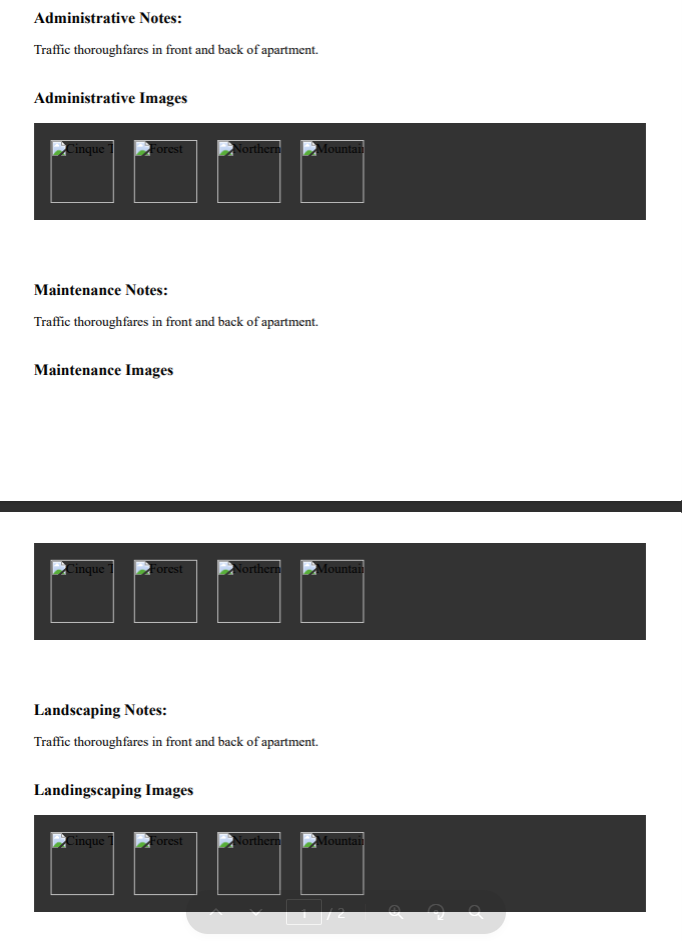
    PDF Form Excerpt -
  • Pstork1 Profile Picture
    68,678 Most Valuable Professional on at
    Creating Horizontal Image Gallery in HTML PDF Formulation
    When doing multiple images, each image needs to be converted to its JSON text value to be inserted into the HTML that will become the PDF.

    ----------------------------------------------------------------------------------
    If this Post helped you, please click "Does this answer your question" and give it a like to help others in the community find the answer too!

    Paul Papanek Stork, MVP
    Blog: https://www.dontpapanic.com/blog
     
  • Phineas Profile Picture
    5,323 Super User 2025 Season 2 on at
    Creating Horizontal Image Gallery in HTML PDF Formulation
    How did you acquire the highlighted content?

    From you suggested flow -
     
    My flow -

Under review

Thank you for your reply! To ensure a great experience for everyone, your content is awaiting approval by our Community Managers. Please check back later.

Helpful resources

Quick Links

Forum hierarchy changes are complete!

In our never-ending quest to improve we are simplifying the forum hierarchy…

Ajay Kumar Gannamaneni – Community Spotlight

We are honored to recognize Ajay Kumar Gannamaneni as our Community Spotlight for December…

Leaderboard > Power Automate

#1
Michael E. Gernaey Profile Picture

Michael E. Gernaey 462 Super User 2025 Season 2

#2
Tomac Profile Picture

Tomac 456 Moderator

#3
abm abm Profile Picture

abm abm 243 Most Valuable Professional

Last 30 days Overall leaderboard



