web
You’re offline. This is a read only version of the page.
close
Skip to main content

Announcements

News and Announcements icon
Community site session details

Community site session details

Session Id :
Power Platform Community / Forums / Power Automate / Set Dynamic Requestor ...
Power Automate
Unanswered

Set Dynamic Requestor for "start and wait for an approval"

(0) ShareShare
ReportReport
Posted on by 8
Hi everyone, 

I'm hoping I can get some insight on how to dynamically change the text of the approval email:

Currently this is how Approval Emails come in


This is the flow that is currently work:
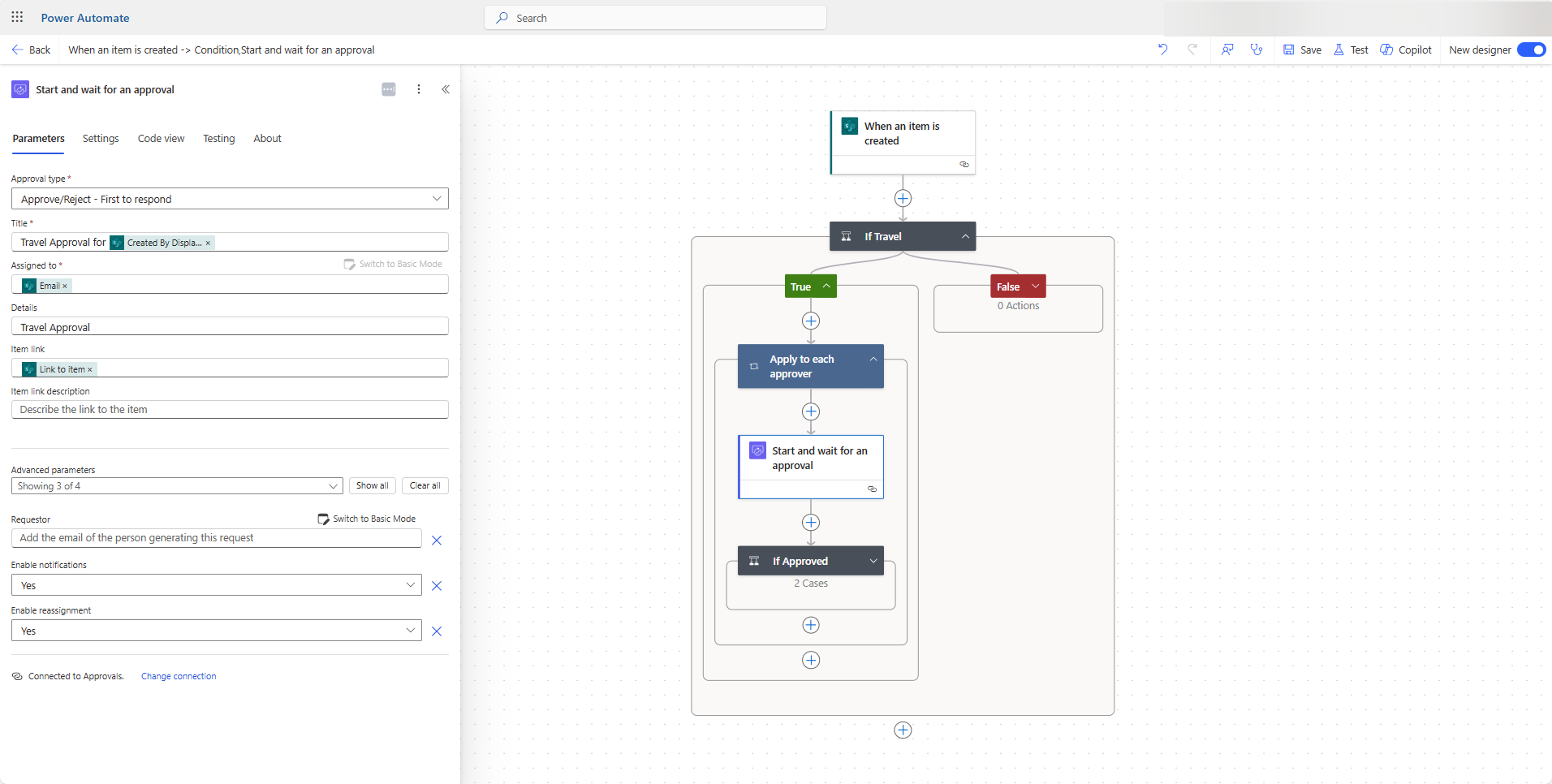

 
However the moment I add this Dynamic Value, the flow starts to fail:


What I am trying to do is to make it so that the "Requestor" on the approval email is not my name but the name of the person that created the new list item. If there is additional information that is needed, please let me know. I appreciate the help! Thank you! :) 
Categories:
I have the same question (0)
  • CA1105 Profile Picture
    545 Moderator on at
    Following this thread to see the experts opinion on this.
  • MM-09030722-0 Profile Picture
    2 on at
    Did you ever find an answer for this question?  I'm still trying to find a way to enter dynamic content in the "Requestor" field and it isn't letting me.  I've googled this question in as many forms as I can and still haven't found a solution. 
  • David_MA Profile Picture
    14,090 Super User 2026 Season 1 on at
    Why type of field are you trying to populate requested by with? It needs to be an e-mail address. Your first screen shot seems to indicate you used an e-mail address, and I cannot tell what type of field is used in the second screen shot. But based on the fact you said the flow worked with the first value and not the second, my guess is you updated it with something other than an e-mail address.

Under review

Thank you for your reply! To ensure a great experience for everyone, your content is awaiting approval by our Community Managers. Please check back later.

Helpful resources

Quick Links

Introducing the 2026 Season 1 community Super Users

Congratulations to our 2026 Super Users!

Kudos to our 2025 Community Spotlight Honorees

Congratulations to our 2025 community superstars!

Congratulations to the March Top 10 Community Leaders!

These are the community rock stars!

Leaderboard > Power Automate

#1
Haque Profile Picture

Haque 592

#2
Valantis Profile Picture

Valantis 340

#3
11manish Profile Picture

11manish 284

Last 30 days Overall leaderboard



