Share
Share Report
 403
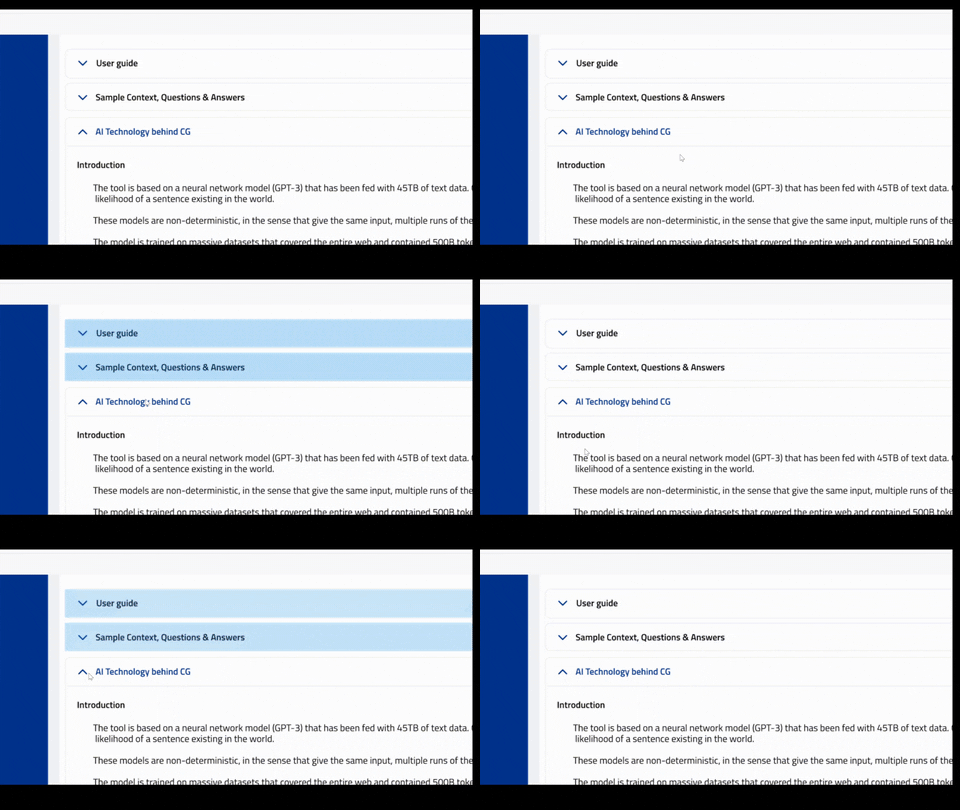
403Check out this gif image, i want to do like this in power apps
the above one is the original
https://media.giphy.com/media/rkoZWMrizjkVsVyiSN/giphy.gif
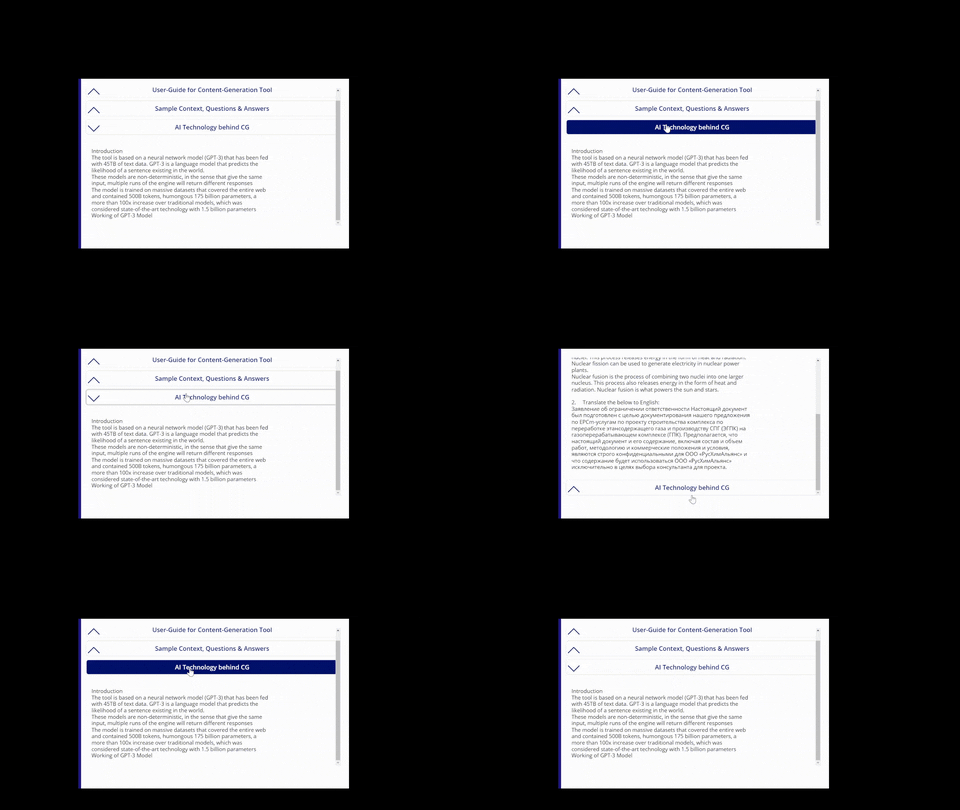
and the below one is mine in power apps
https://media.giphy.com/media/AzEH1pLNsJWbCtDwTh/giphy.gif
as you can see mine, whenever i click the AI technology behind CG, its not blinking the other 2 like i shown in first GIF.
How do i do the same in power apps?
PS: i have used flexible height gallery for this.
Categories:
I have the same question (0)
 All responses (
 Answers (