Since updating our bots from Versions 2.58 and 2.59, we are getting the below error during unattended automation for any image-related action (If Image, Move mouse to image, etc)
Argument 'Images' must be 'List of PngEncodedImage'.
This has never previously been an issue. From troubleshooting the problem, we have found the below behaviours:
- We have found that Version 2.60 is relying on files being present in the folder %LOCALAPPDATA%\Microsoft\Power Automate Desktop\Cache\Store\Authoring which only exist if a flow has been saved on the desktop running the flow.
- The issue doesn't occur when running in debug mode and only occurs when running from the Flow panel.
- The flows break regardless of whichever version they were created/most recently saved in.
- We have attempted to delete and recapture the images and create new actions using 2.60 but this results in the same error.
5 STEPS TO REPRODUCE:
- Create a new desktop flow and paste in the contents of the attached text file
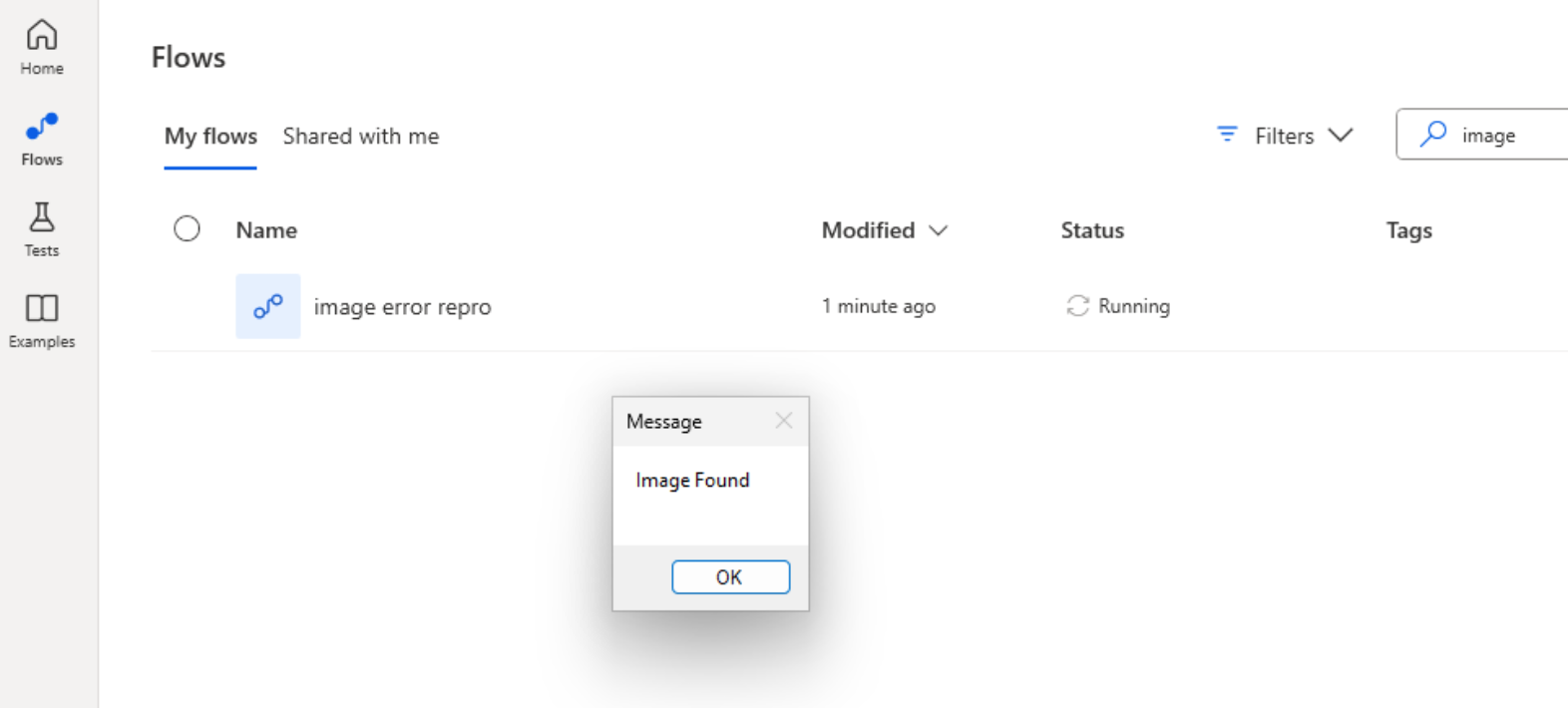
- From this same desktop, run from the Flow panel - This should succeed with an "Image Found" message
- From a different desktop, run from the Flow panel - This should fail with the below error message (This doesn't have the required cache files)
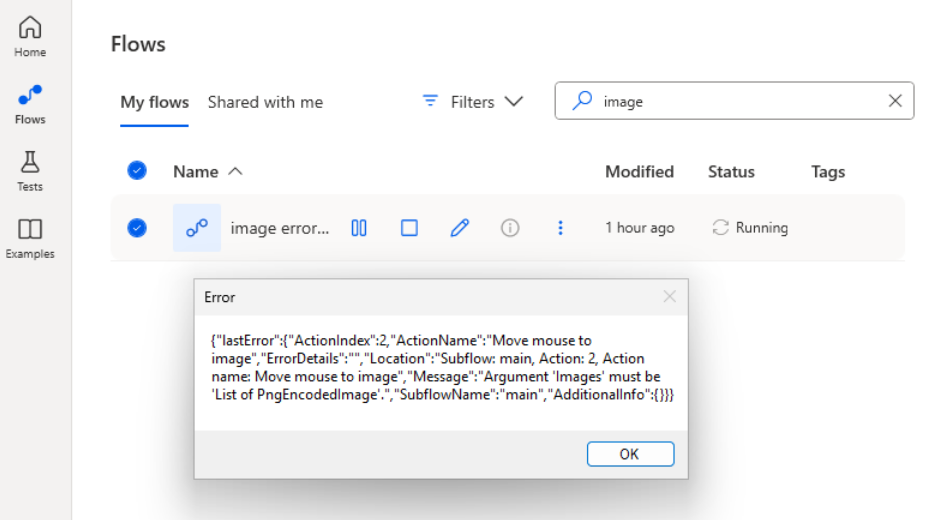
- From the new desktop, open the flow in edit mode and save the flow. (This will create the required cache files)
- From this desktop, rerun from the Flow panel - This should now succeed with an "Image Found" message.
Additionally...
- Deleting the contents of the %LOCALAPPDATA%\Microsoft\Power Automate Desktop\Cache\Store\Authoring folder and replaying the desktop flow will result in the error returning
- Editing and saving the desktop flow again will result in the flow running successfully


 4
4







 Share
Share Report
 All responses (
 Answers (





