I have several entries in SharePoint List A. For brevity, let's consider only the link field and email field.
I have a Cognito form set up to accept an email address.
In the flow, I'm pulling emails from SharePoint List A. If the email entered in the Cognito form matches the email from SharePoint List A, then an email is sent to the address entered in the Cognito form.
The email is supposed to include the link from SharePoint List A.
The problem is I'm only able to send the link displayed in the most recently entered row from SharePoint List A.
Here are some images of my flow:
Here's what's in the "Yes" condition:
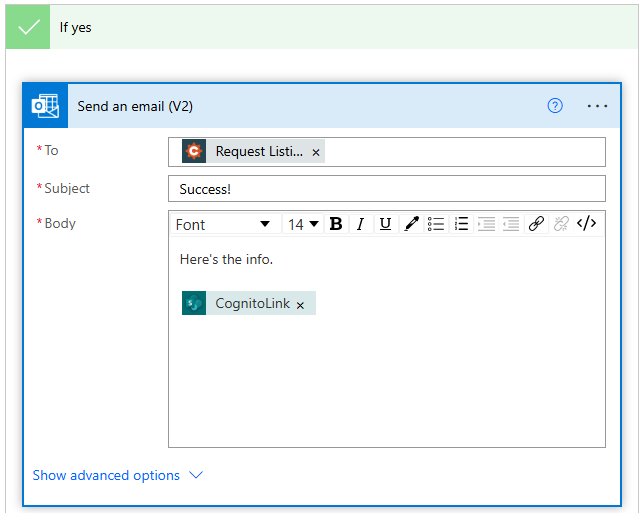
The "No" condition is empty for now.
Everything in the flow works fine except that I can't seem to get all of the "CognitoLink" items in a single email.
The only additional progress I've made is I had Get Items > Top Count set to 1. I increased it to 100, and now instead of it sending all the "CognitoLink" items in a single email. It sends numerous emails. Each with an individual link. I have 35 rows in my SharePoint List A, so I receive 35 emails, each with a different link.
There must be a way to loop through all of them and output into a single email.,
Question:
How do I include all links from SharePoint List A where the emails match?







