I tried to clone desktop flow.
there are 2 ways to do it,
1. use "Save As"
click the desktop flow in the solution, and then on top menu there is "Save As"
but the new target desktop flow cannot be found when trying to add it to a new target solution.
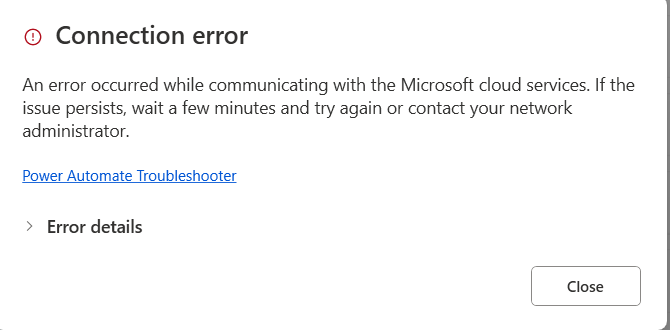
and the new target desktop flow can be opened in PAD designer, but cannot be saved.
2. use "Create a copy" in PAD console,
But this target flow is greyed out, and is not editable.
Any idea what is the proper way to clone a desktop flow?
Microsoft suggest to copy actions per subflow, but it is not practical, as my desktop flow has 40+ subflows, and each subflow has 100+ actions.





