Announcements
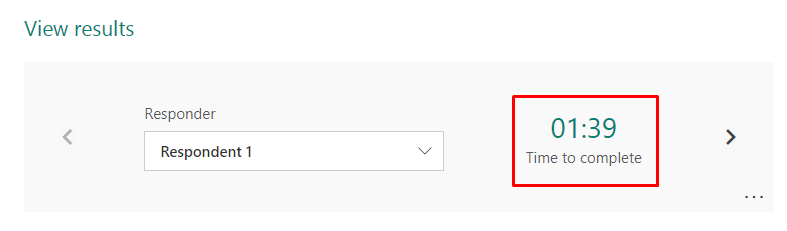
I have created a flow to store the Form response in SharePoint list. All the fields are getting stored except Start time, Completion time and Time to complete, Attached the below screenshots for reference,
Hi @Sharathk07,
The function to get the Start time, Completion time and Time to complete of a form response is not supported in microsoft flow currently.
I afraid that there is no way to achieve your needs in Microsoft Flow currently.
If you would like this feature to be added in Microsoft Flow, please submit an idea to Flow Ideas Forum:
https://powerusers.microsoft.com/t5/Flow-Ideas/idb-p/FlowIdeas
Best regards,
Alice
Thanks for the confirmation Alice.
I will submit this as an idea in the Flow Ideas Forum
It has been in 2018, 3 years already with no progress, I think no one in Microsoft ever looks in the suggestions page anyways as the same thing is noticed regarding Power BI which is more active tools, yet, no one seems to care about the users feedback.
Under review
Thank you for your reply! To ensure a great experience for everyone, your content is awaiting approval by our Community Managers. Please check back later.
Congratulations to our community stars!
Expanding mentorship, skilling, and AI innovation
These are the community rock stars!
Stay up to date on forum activity by subscribing.
David_MA 253 Super User 2026 Season 2
11manish 172 Super User 2026 Season 2
trice602 134 Super User 2026 Season 2