Hi All, i have tried to follow this video (https://www.youtube.com/watch?v=ku0NM9jhp-A&t=16s) guide to use power automate to send emails from excel with personal attachments. Now, i am trying to figure out how can i send multiple attachment. Can someone shed some light as I have been trying for days but with no success?
My excel contains the file name (without extention). Below is an example of the excel data in a single row.
I have split the DN Number by delimiter to new columns (up to All DN File Index 10 in case there are more DN in a sale order document)
This is the pdf in my One Drive which i would like to attach to my email. It should attached 0080701929 and 0080701930 only.
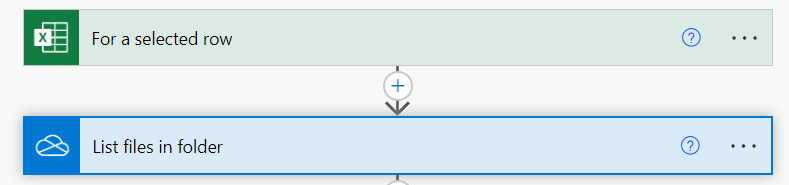
My flow begins with a trigger [For a selected row]: when I select the row in excel and run the flow.
Then the next step is to [List files in folder]: this is the folder where I kept my attachments
The next step in the flow, I used the control [Apply to each] and added a [condition] to check the 'All DN File Index 1' matches with the file name (without extention) in my one drive.
I was able to pull one attachment under 'All DN File Index 1' - 0080701929
The problem begins when I tried to add extra conditions for 'All DN File Index 2' to ' 'All DN File Index 10'.
Do I need to use variable array to capture the dynamic attachment? How do i do that and how can i add a condition to check all the attachments names are matching?
My flow ends with sending email with attachments if the condition is ok





