Share
Share Report
 49
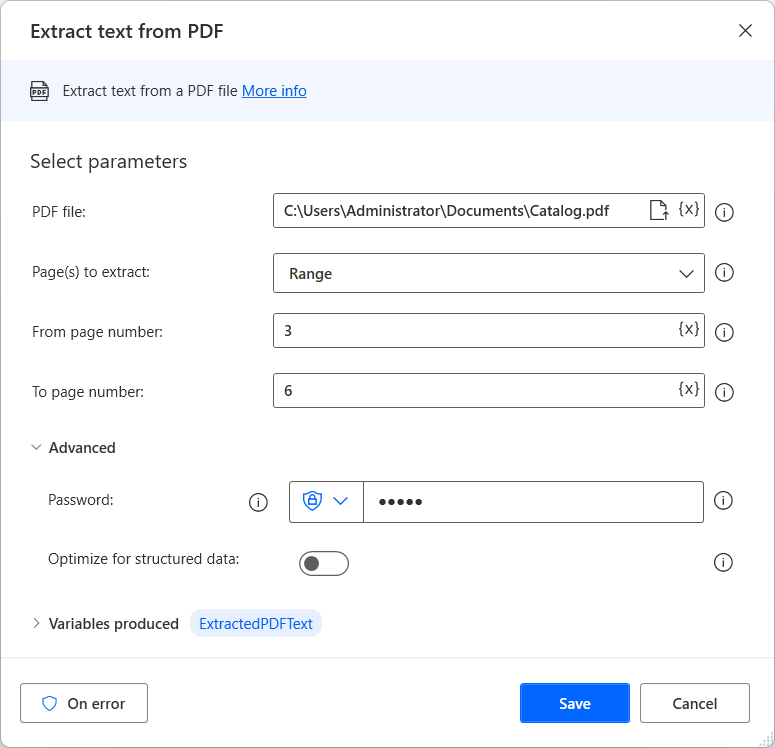
49Use PAD's PDF action to copy the first and second pages of a specified PDF file.
How do I remove the last page?
Naturally, the number of pages in a PDF file will change each time it is processed.
How do I remove the last page?
Naturally, the number of pages in a PDF file will change each time it is processed.
Categories:
I have the same question (0)
 All responses (
 Answers (