I am building an agent which extends into Power Automate. The flow adds a row to an excel file, and while it does it, I get the following error message:
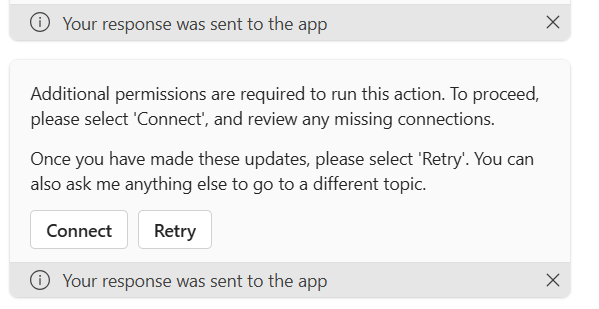
Additional permissions are required to run this action. To proceed, please select 'Connect', and review any missing connections.
Once you have made these updates, please select 'Retry'. You can also ask me anything else to go to a different topic. - It gives me 2 options -
Connect - and Retry. When I connect, it brings up the connector which I can authenticate and I go back and retry and works as it should. How do I setup the authentication so when users of the company don't get this error message and have to connect manually?
Thanks in advance,
Jim







