web
You’re offline. This is a read only version of the page.
close
Skip to main content

Notifications

Announcements

Community site session details

Community site session details

Session Id :
Power Platform Community / Forums / Power Automate / How to populate multi ...
Power Automate
Unanswered

How to populate multi select column with flow

(0) ShareShare
ReportReport
Posted on by 819 Super User 2025 Season 2

Good morning!

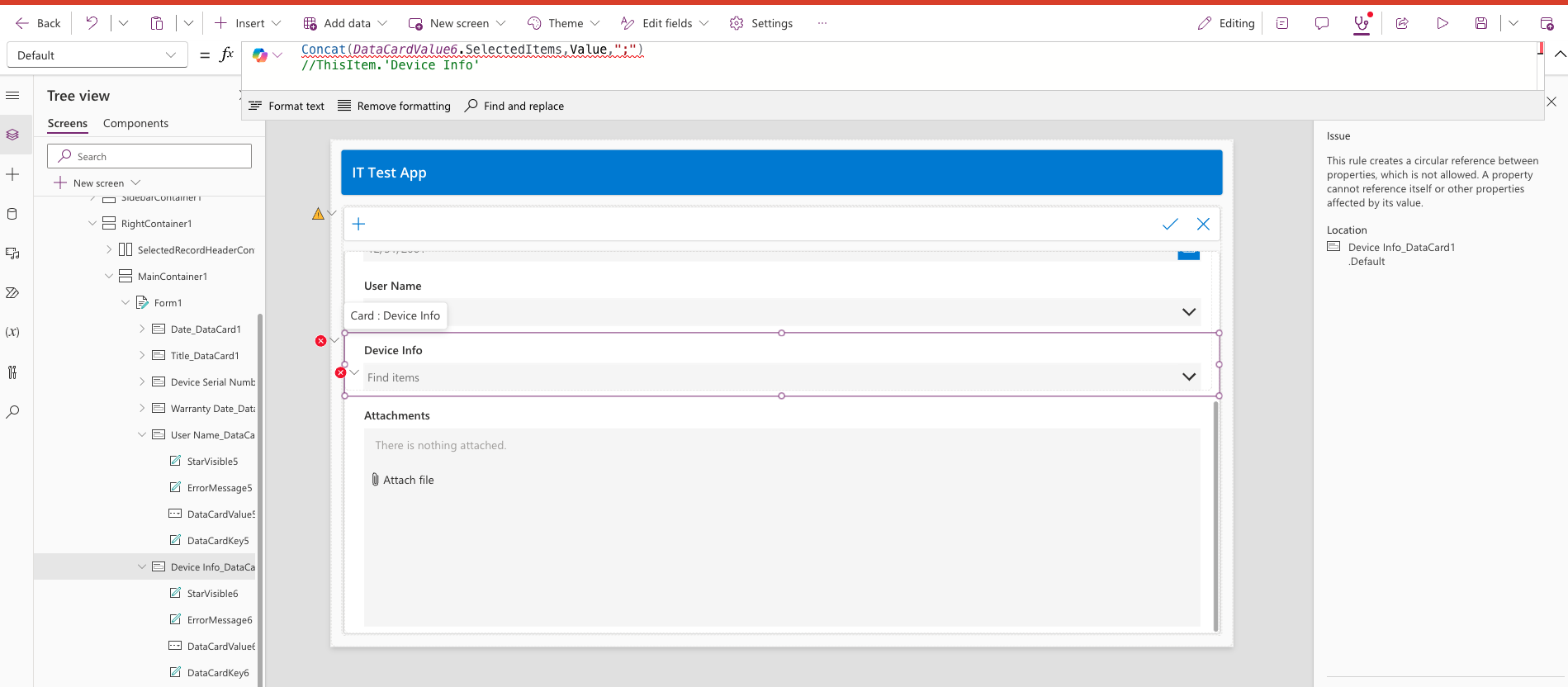
I created a Sharepoint List and made power apps to collect data. I made a word template and then built a Power apps flow and mapped all values in template using Populate a Word Template step in flow except, however the multi select column is not showing values in Template, using text control like all other single value column/field does show up.

Is there a workaround to make it work/solve. I would appreciate the help!


And this is what it is populating on Word Template - 


How can I make it work.

Categories:
I have the same question (0)
  • abc 123 Profile Picture
    784 Moderator on at
    Whenever you need to see the format of something, manually enter the value into the field, and then use code to output it.
     
    Without testing, I believe that most multiselects will, at the least, be semicolon-separated. item 1; item 2; item 3.
     
    So, in your SharePoint list, populate the field with multiple values.
    In a Flow, use the GetItem or GetItems Action to hit the list.
    Run the flow, and examine the instance and see what was returned. 
     
    When you try to write to the list, use that format.
  • Verified answer
    MTNK Profile Picture
    819 Super User 2025 Season 2 on at
    @abc 123  Can you please share the example how to do it.
     
    I would be thankful to you.
     
    ______________________________________________________________________________
     
    Update - 
     
    I created CSV tables in flow and mapped the Output of these tables with the associated columns. It worked for me!
     
    Thanks you!
     

Under review

Thank you for your reply! To ensure a great experience for everyone, your content is awaiting approval by our Community Managers. Please check back later.

Helpful resources

Quick Links

Forum hierarchy changes are complete!

In our never-ending quest to improve we are simplifying the forum hierarchy…

Ajay Kumar Gannamaneni – Community Spotlight

We are honored to recognize Ajay Kumar Gannamaneni as our Community Spotlight for December…

Leaderboard > Power Automate

#1
Michael E. Gernaey Profile Picture

Michael E. Gernaey 463 Super User 2025 Season 2

#2
Tomac Profile Picture

Tomac 427 Moderator

#3
abm abm Profile Picture

abm abm 245 Most Valuable Professional

Last 30 days Overall leaderboard
