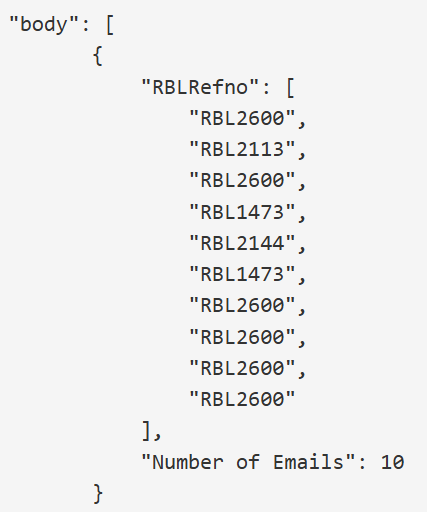
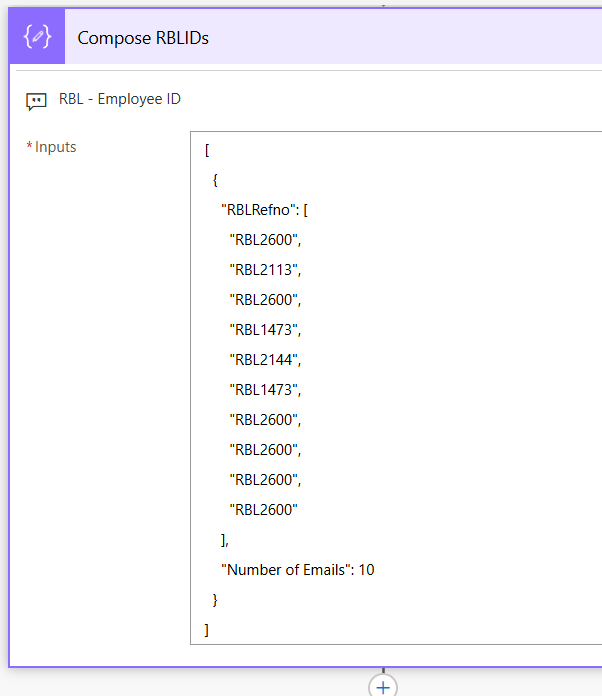
| Step-1: I considered you can create RBLRefno from the last output. |
| Extracted array object (yours) |
Taken into Compose for manipulation (mine) |
 |
 |
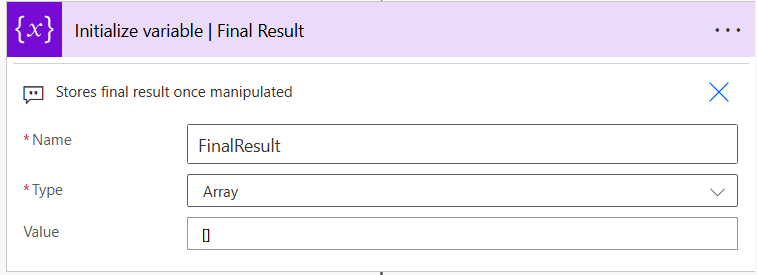
| Step-2: Booked an Array variable, for further use named FinalResult |
 |
| Step-3: Introduced Parse JSON to align the Array object (from Step-1) |
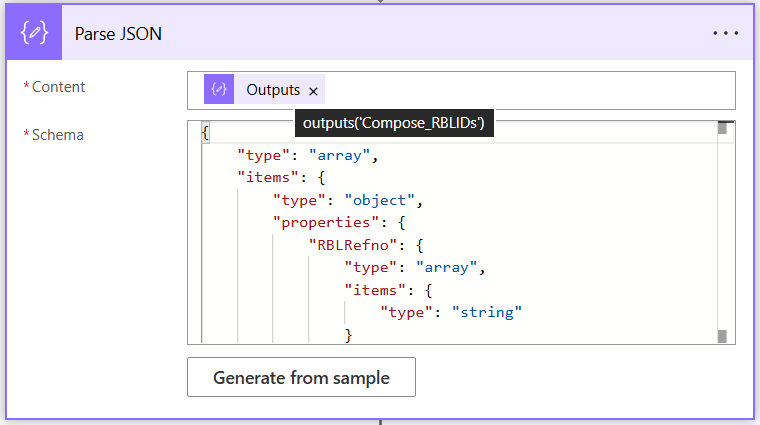 |
| Json schema | Just copy it from here and paste it in the Schema field, don’t’ use “Generate from sample” |
{
"type": "array",
"items": {
"type": "object",
"properties": {
"RBLRefno": {
"type": "array",
"items": {
"type": "string"
}
},
"Number of Emails": {
"type": "integer"
}
}
}
} |
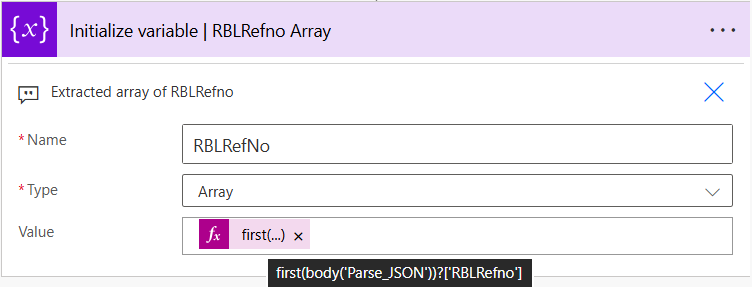
| Step-4: Introduced variable RBLRefNo of type Array whose Value is: first(body('Parse_JSON'))?['RBLRefno'] in the “Expression” field. The idea is to separate all RBLRefno in a single dimensional array. |
 |
| Compose RBLIDs |
RBLRefNo | Isolated as an one dimensional array |
[
{
"RBLRefno": [
"RBL2600",
"RBL2113",
"RBL2600",
"RBL1473",
"RBL2144",
"RBL1473",
"RBL2600",
"RBL2600",
"RBL2600",
"RBL2600"
],
"Number of Emails": 10
}
]
|
{
"variables": [
{
"name": "RBLRefNo",
"type": "Array",
"value": [
"RBL2600",
"RBL2113",
"RBL2600",
"RBL1473",
"RBL2144",
"RBL1473",
"RBL2600",
"RBL2600",
"RBL2600",
"RBL2600"
]
}
]
} |
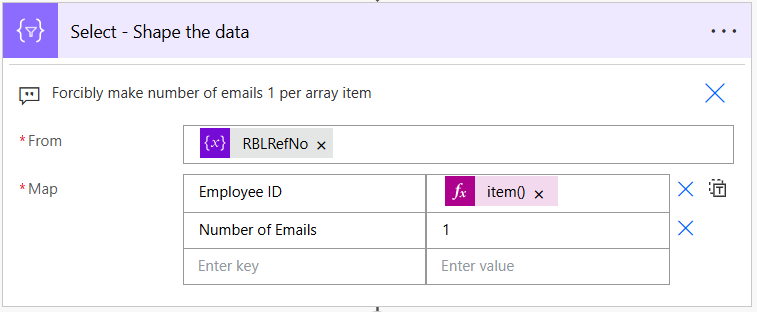
| Step-5: With a Select action, let’s assign each array item a value 1, this is for setting a default frequency per item. |
 |
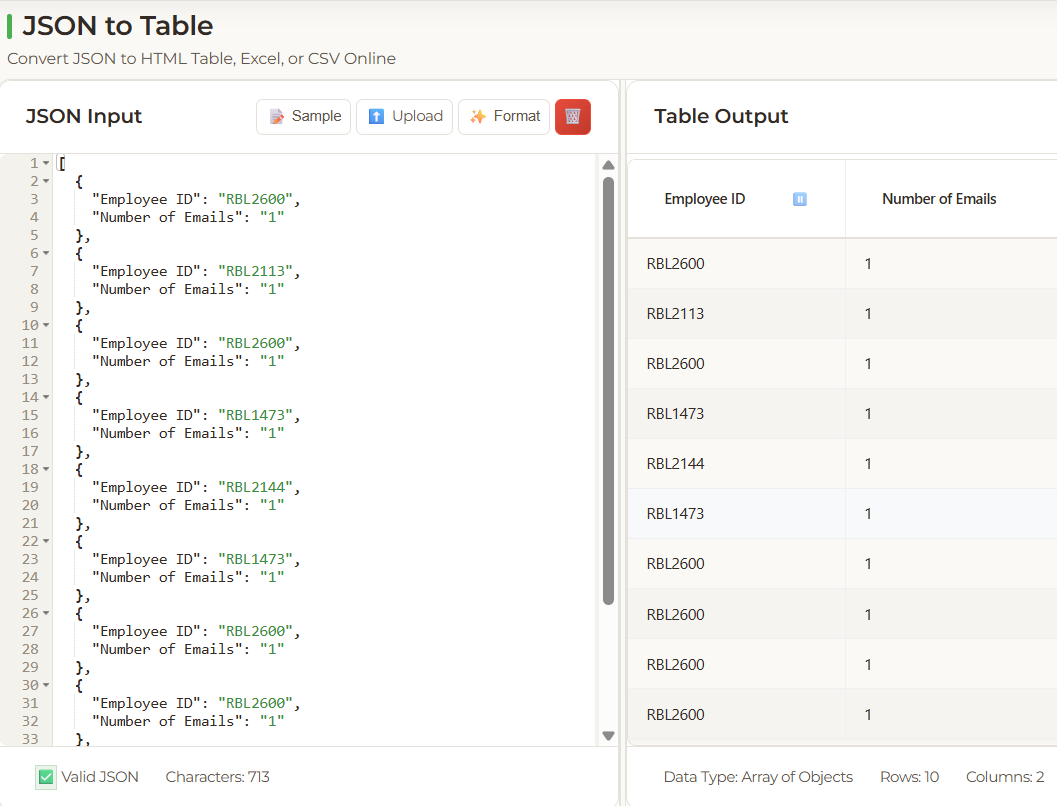
| Output(below) of Select action when we see the Json in Json t o table converter. |
 |
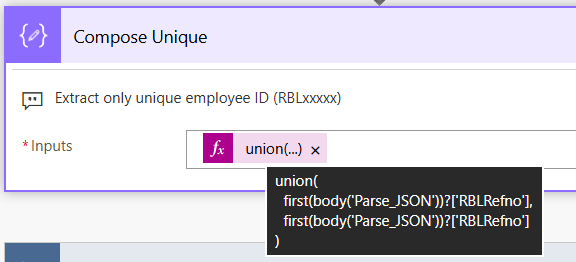
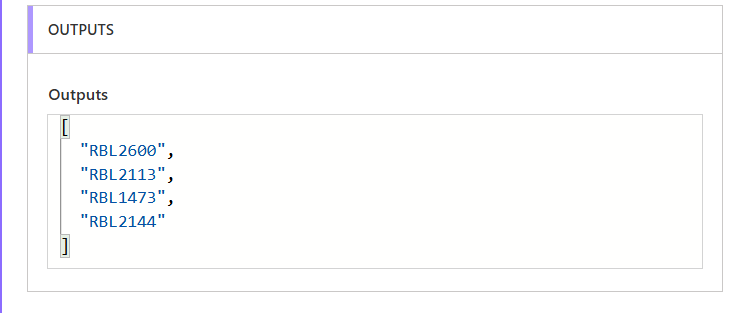
Step-6: Let’s bring up the unique set of RBLxxxx numbers. Copy the below union operation and paste it in the Expression (in Dynamic content) field.
union(
first(body('Parse_JSON'))?['RBLRefno'],
first(body('Parse_JSON'))?['RBLRefno']
)
We have four items after unique operations. |
 |
 |
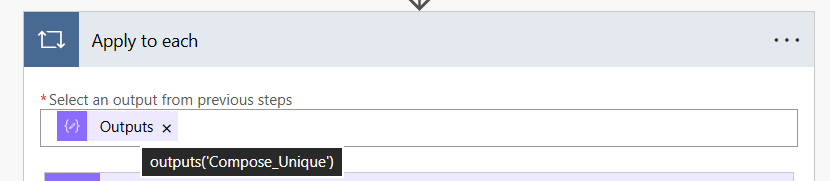
| Step-7: Let’s go for iteration (Apply to each) and count the occurrences of the same RBL in the original array (RBLRefNo in step-4) |
|
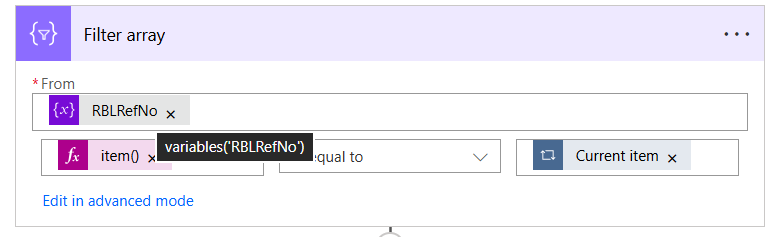
Note: Using Filter array action to match original array item (RBLRefNo) with the current item (4 unique items in the Compose Unique) inside Apply to each loop.
Condition: item() is equal to Current item(items(‘Apply_to_each’) |
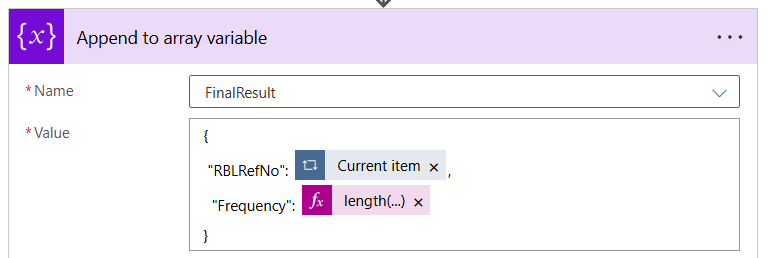
In Step-2, we had declared FinalResult to append the array variable like above inside Apply to each loop |
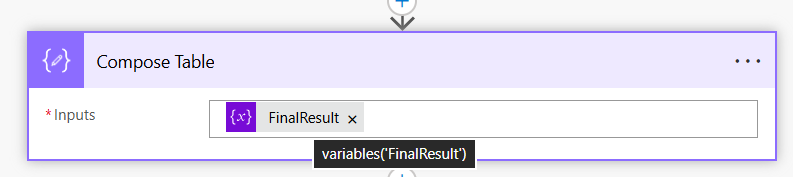
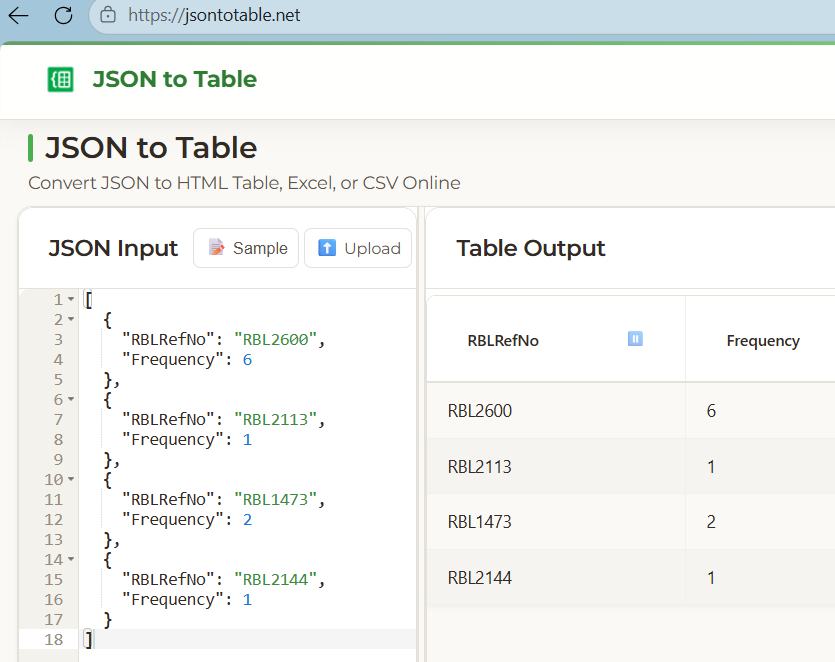
| Step-8: After end of the Apply to each loop, let’s compose the FinalResult for a table format. |
 |
| |
 |
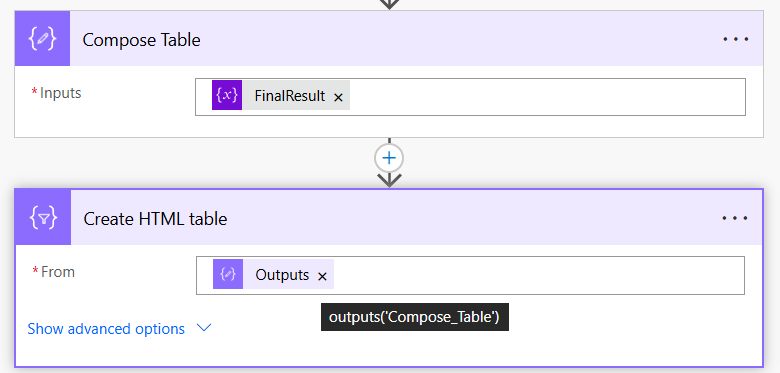
| Step-9: Finally create a HTML table with the FinalResult from the Compose Table output. |
 |
| Step-10: Output of Create HTML table action (below) |
|
|


