On top what said and this may not apply to every setup, but if you are a large organisation enabling agents, check whether conversation transcripts and related logging are also enabled.
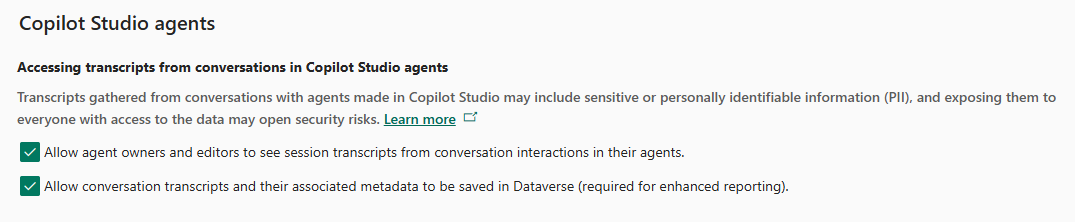
Each employee interaction with an agent can create a record in the Conversation Transcripts Dataverse table, often within the Default environment.
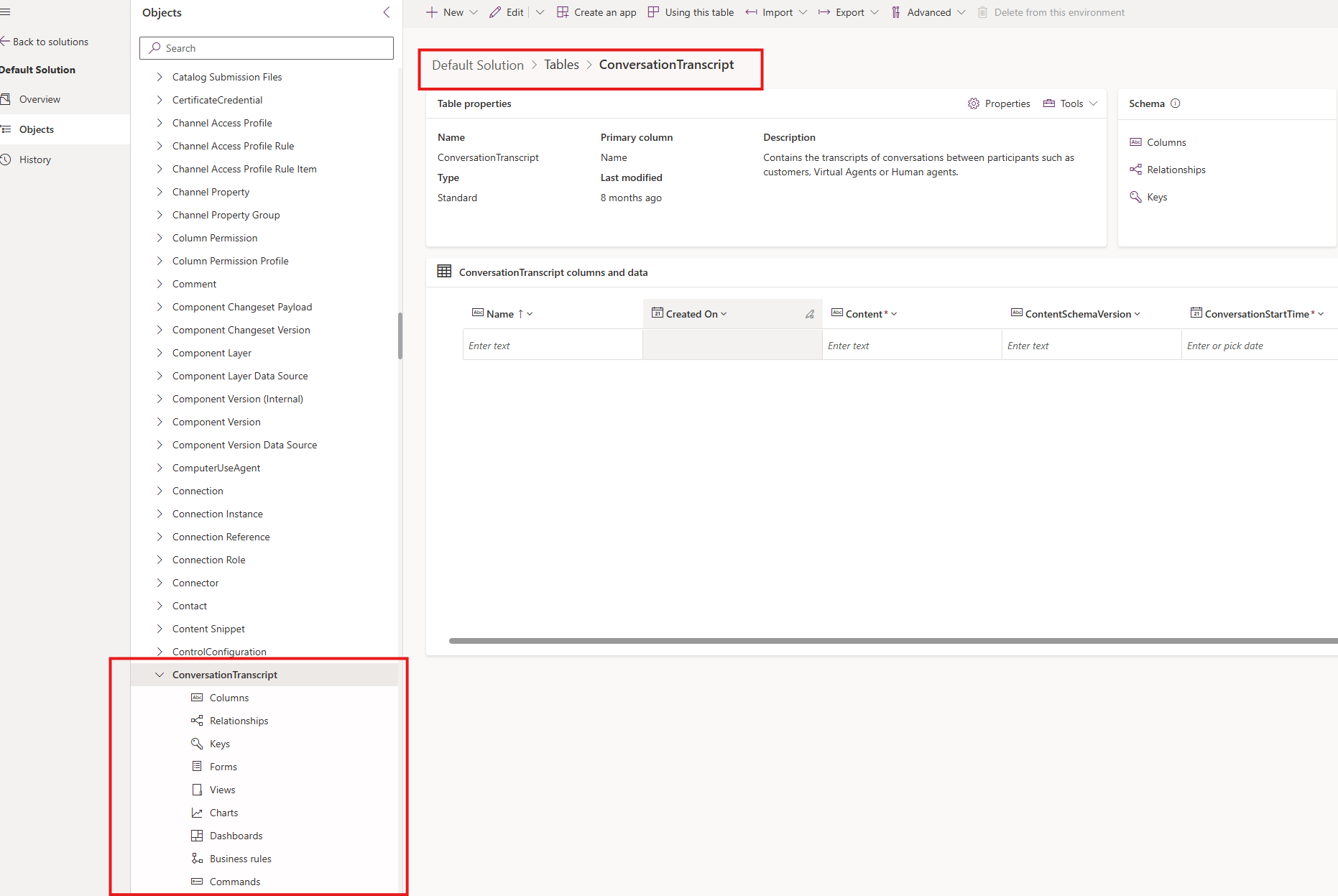
These records can be relatively large, so I would monitor:
• Record growth
• Dataverse storage consumption
• Retention settings
• Access to transcript data
If employees use AI frequently, this table can grow much faster than expected.
Other related to file storage would be:
Microsoft documented an April 2026 change to how solution-aware tables and metadata are reported in Dataverse. Some storage previously classified under database capacity is now reported as file capacity, and Microsoft notes that WebResourceBase may fluctuate during internal storage transitions.
As the increase started around May and WebResourceBase appears to be the main contributor, it may be worth asking Microsoft whether this environment is still undergoing that reclassification or internal migration.
I would also check whether any Microsoft-managed solutions are being updated automatically and compare the WebResourceBase record count and modified dates before and after the storage increase.
Agent conversation transcripts are worth monitoring separately, but they are stored as text records and would be more likely to increase database storage than WebResource file storage.


