Unfortunately, Power BI doesn't offer a simple way to display the descriptions for multi-select choice columns.
Taking the example of ShelterTypes, what I suggest is this.
First, retrieve the ID values that correspond to the descriptions from the table designer.
In Power BI, you can then add a column and write the DAX to convert the numbers to descriptions like so:
TypesOfAnimalsDesc =
VAR valuesList = SUBSTITUTE([Types of Animals], ",", "|")
RETURN
CONCATENATEX(
    GENERATESERIES(1, PATHLENGTH(valuesList)),
    SWITCH(
        PATHITEM(valuesList, [Value], TEXT),
        "650600000", "Bird",
        "650600001", "Cat",
        "650600002", "Dog",
        "650600003", "Horse",
        "650600004", "Livestock",
        "650600005", "Reptile",
        "Other"
    ),
    ", "
)
Here's how this looks in the designer:
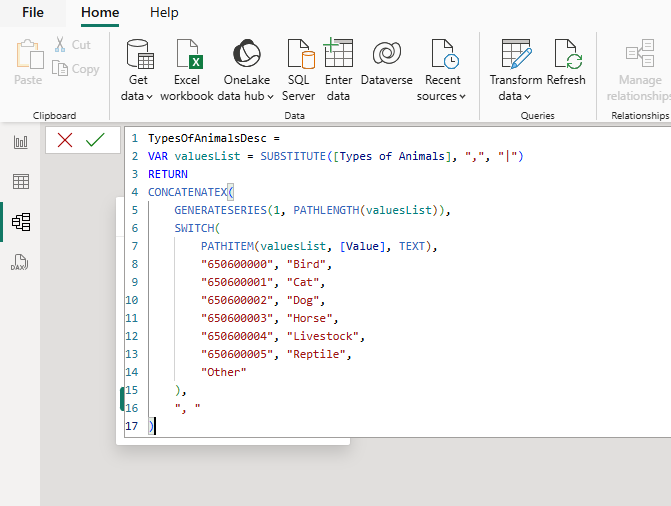
The result looks like this.
If you don't want to hardcode the IDs and Descriptions in the formula, you would need to call the API to get the choice details.
This post from LauraGB describes how you would do this.


