Hello, I use a version checking in my Power App that basically looks like this:
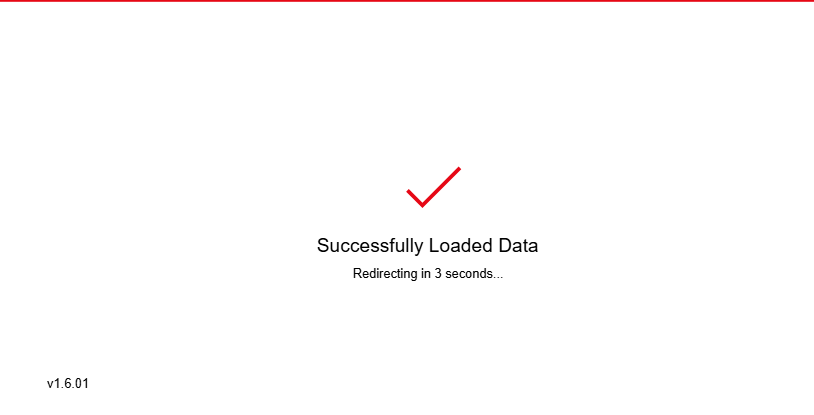
On start, the app will set a variable that is its version number. I also have a SharePoint list that stores the app's newest version number.
Basically, this screen will check if the user uses the recent version of the app by comparing their app's version number with the number on the SharePoint list.
If they don't, they will be redirected to a screen that tells them to update the app.
Everything goes well... until a very few people get this error:

As you can see from the screenshot, they've used the recent version of the app. Yet, they're stuck at the version-checking screen.
And this only happens to very few people. Everyone but these two don't encounter this error.
Edit:
As for the code, this is the line that runs on start:
Set(varAppVersion, "1.6.01");
and this is the code that makes the redirection:
If(
varAppVersion = LookUp(
'PowerApps Database',
'App Title' = "App A",
'Version Number'
),
Navigate(SuccessScreen),
Navigate(IncorrectVersionScreen)
)
It's a button, which autoclicks and navigates into the above screen when the screen is Visible.
Also, the 'Version Number' column is a text column.
Does anyone have any idea why this happened?
Thanks in advance.


