Hello Everyone,
This is my second time posting this exact issue because I never got any answer on the first one so I'm trying my luck again and hoping someone help me out.
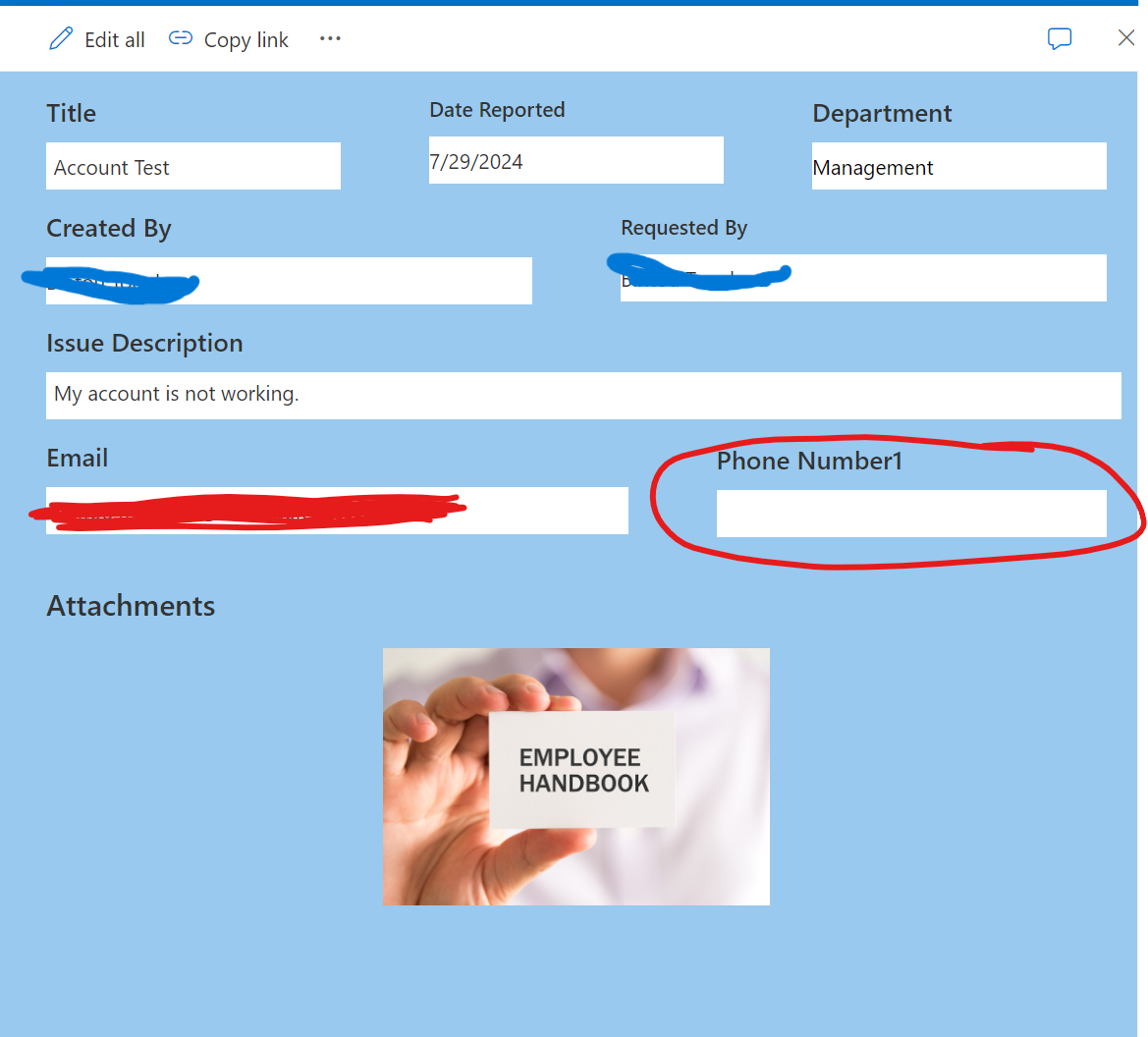
I am currently experiencing an issue with a SharePoint list that is integrated with Power Apps form. The form functions correctly when creating a new item; however, when I try to edit or view an existing item, the Phone Number field appears blank, despite being populated in the list column.
Could you please advise on how to ensure the Phone Number field is displayed correctly and not blank when editing or viewing the items in the form?
I am very desperate to finding a solution to this issue. I've been trying to find solution to this issue for weeks. I don't know why the Phone Number always goes blank when I try to edit it in SharePoint.
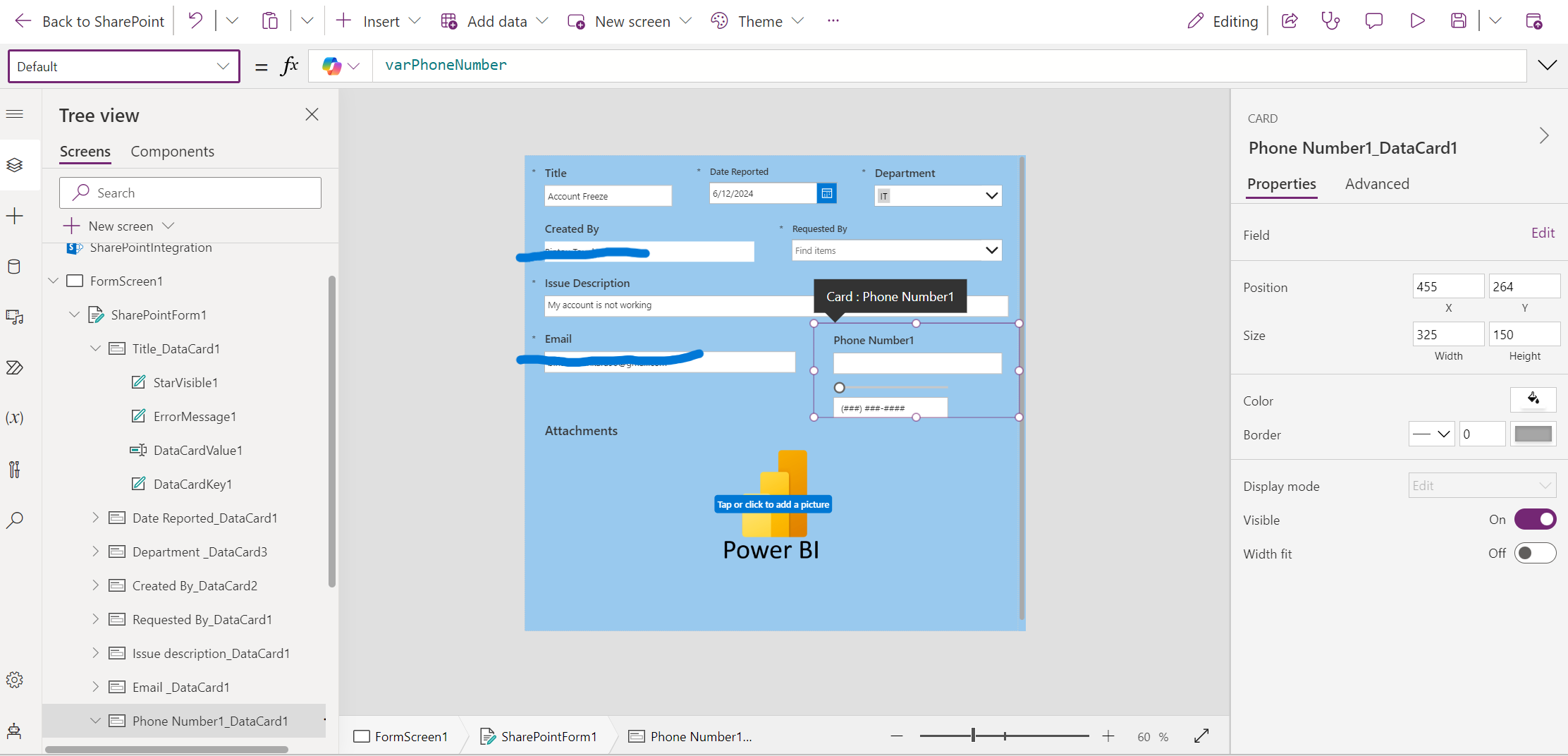
I also want to mention that I used the slider, text input, along with the the datacard input to format the phone number (format with dashes). I made the slider and text input invisible. I will put down the instruction that I followed to achieve this. However, I don't think this is the cause for the phone number being blank in the edit mode in SharePoint.
Below are the detail pictures of the problem:
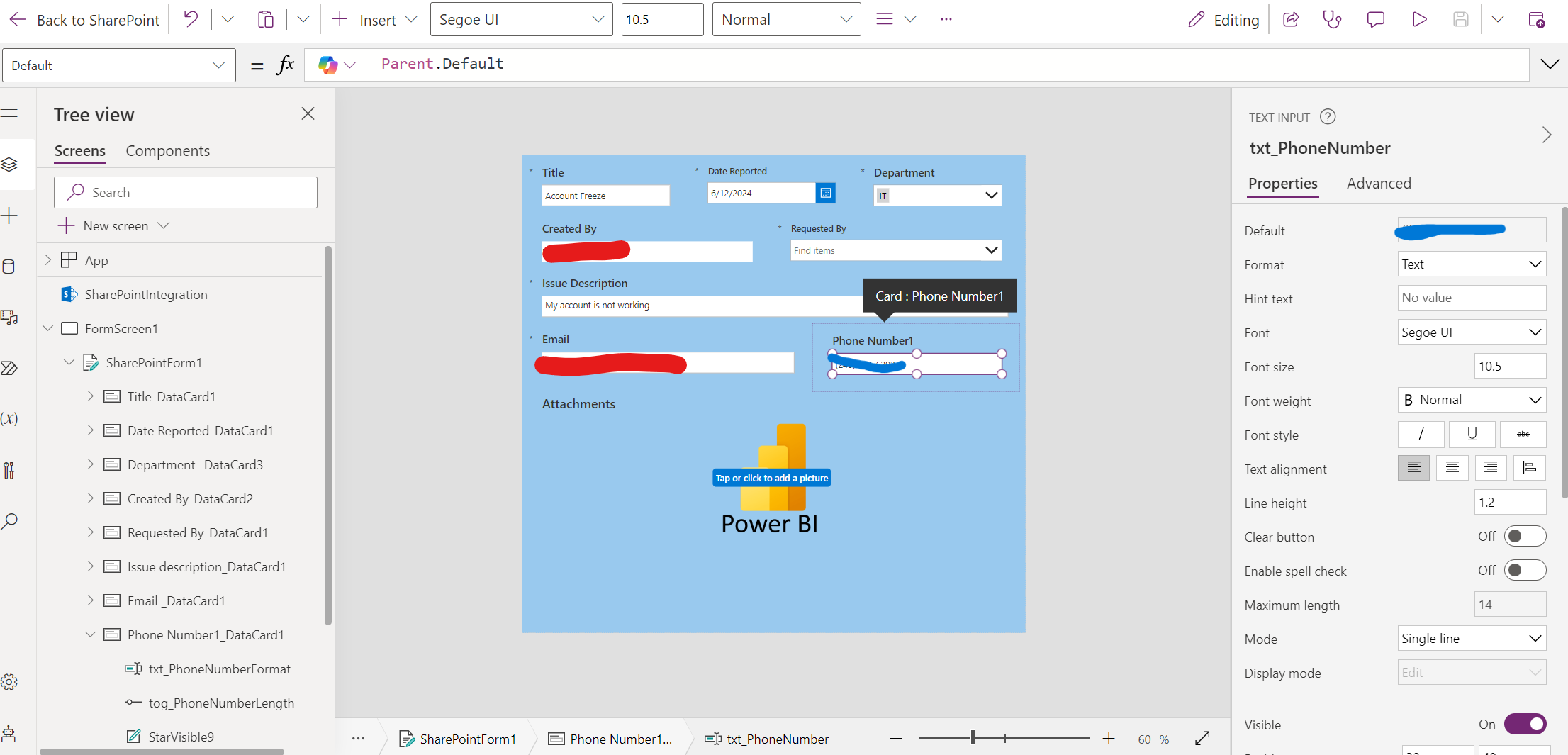
- DataCard Default set to "varPhoneNumber"