In today’s global business environment, analyzing multilingual content is crucial. Whether it’s feedback, leads, or support tickets, identifying the language of your data enables better automation, routing, and personalization.
Power BI doesn’t natively support language detection, but this can be achieved using Python scripting—no external services needed.
In this blog, we’ll show how to implement automatic language detection in Power BI using Python. We'll use a real-world scenario where CRM systems like Dynamics 365 Sales collect multilingual lead descriptions from global forms, campaigns, and events.
Here’s what you can do with language detection in Power BI:
| Capability | Scenario |
| Auto-assign leads by language | Route Spanish inquiries to Spanish-speaking sales reps |
| Analyze conversion by language | Discover which regions or languages convert best |
| Localize engagement strategies | Adapt sales scripts and materials to match lead language |
| Filter dashboards intelligently | Allow sales managers to analyze leads by language group |
Follow the below pre-requisites steps to Automatically detect the language using Power Bi:
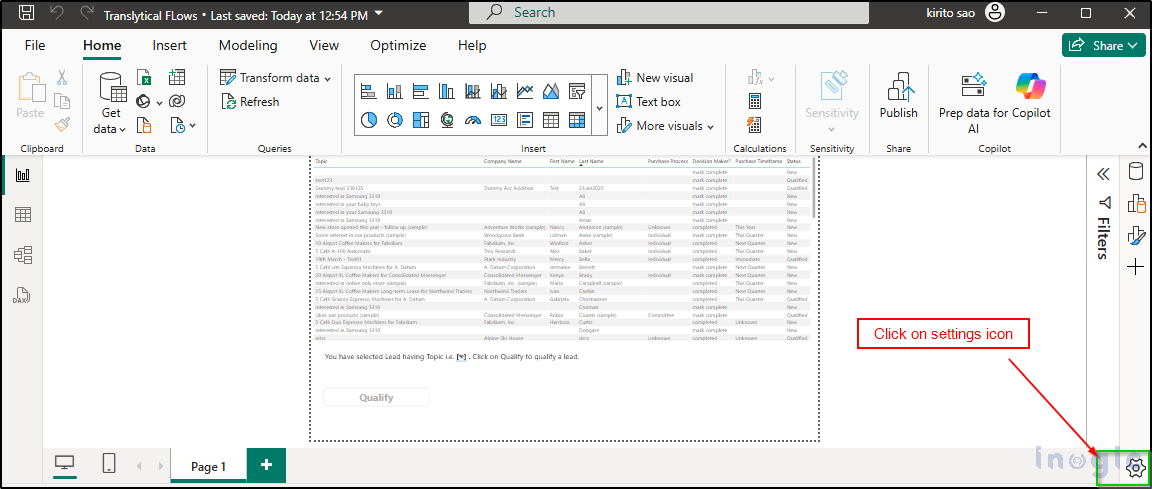
- Click on the setting icons as shown below:
 ....Read More>>


