A recent requirement involved adding multilingual support to a custom page within a model-driven app. The objective was to enable users from different regions to interact with the app seamlessly in their preferred languages.
To achieve this objective, Microsoft has provided an excellent guide: Customize pages to support multiple languages.
If you follow the step-by-step instructions provided in the guide, you’ll be able to successfully implement multilingual support for your custom page. Here’s a breakdown of the process and how you can achieve it.
Understanding the Requirement
The customer had a custom page that was built to enhance user experience with specific forms and data presentations. However, the page only supported English initially. They needed the labels, messages, and other UI elements to adapt based on the user’s selected language in the app.
How to Achieve It?
Here’s a step-by-step overview of Microsoft’s documentation:
1. Preparation:
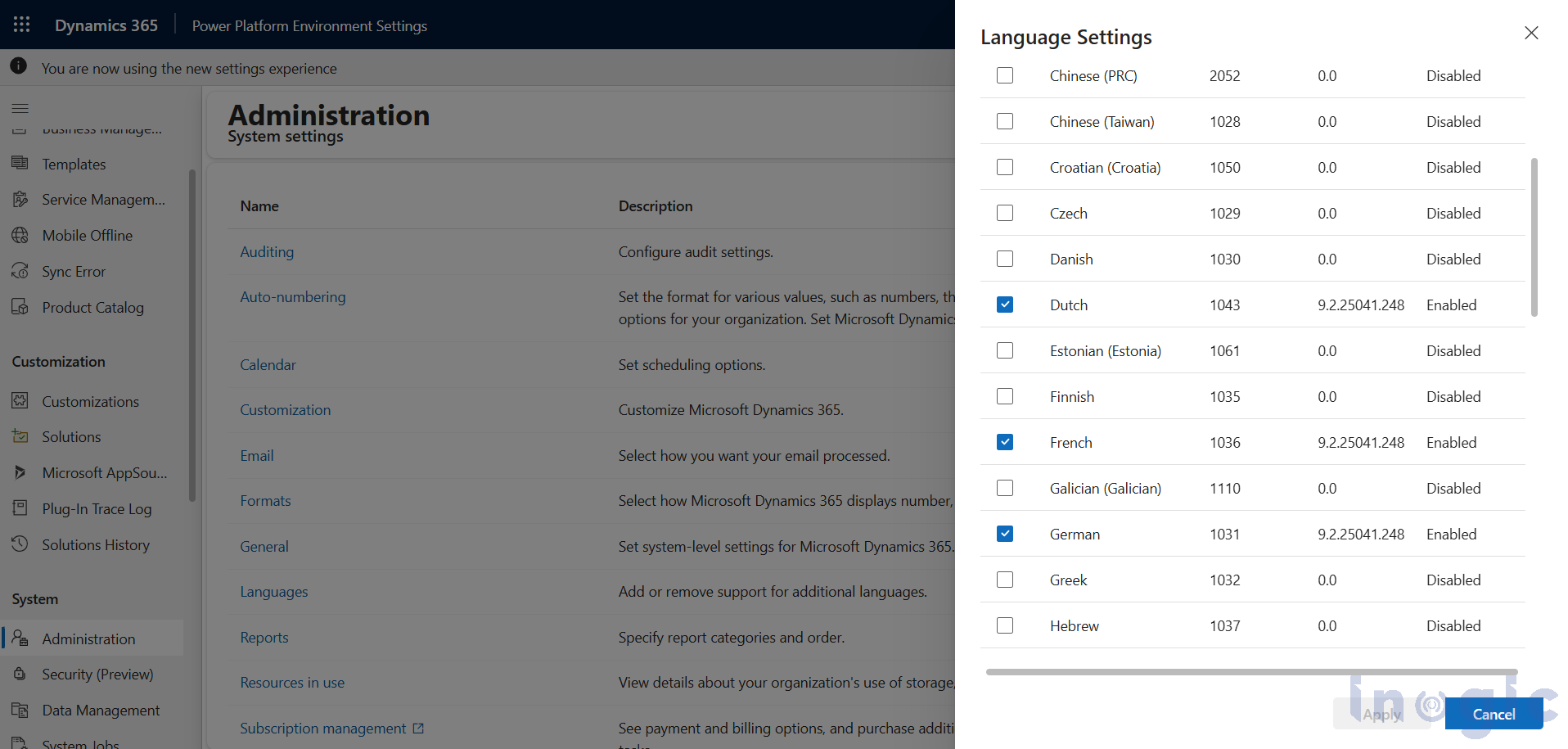
- First, go to the Power Platform admin center and enable multiple languages in your environment settings. This is a crucial step, as your custom page will adopt the same language preferences defined in the environment.
Read More>>


