Introduction:
In this Blog we will see how to hide Navigation and Command Bar in Model Driven App.
Implementation Steps:
- Navigate to https://make.powerapps.com
- Open your Model Driven App
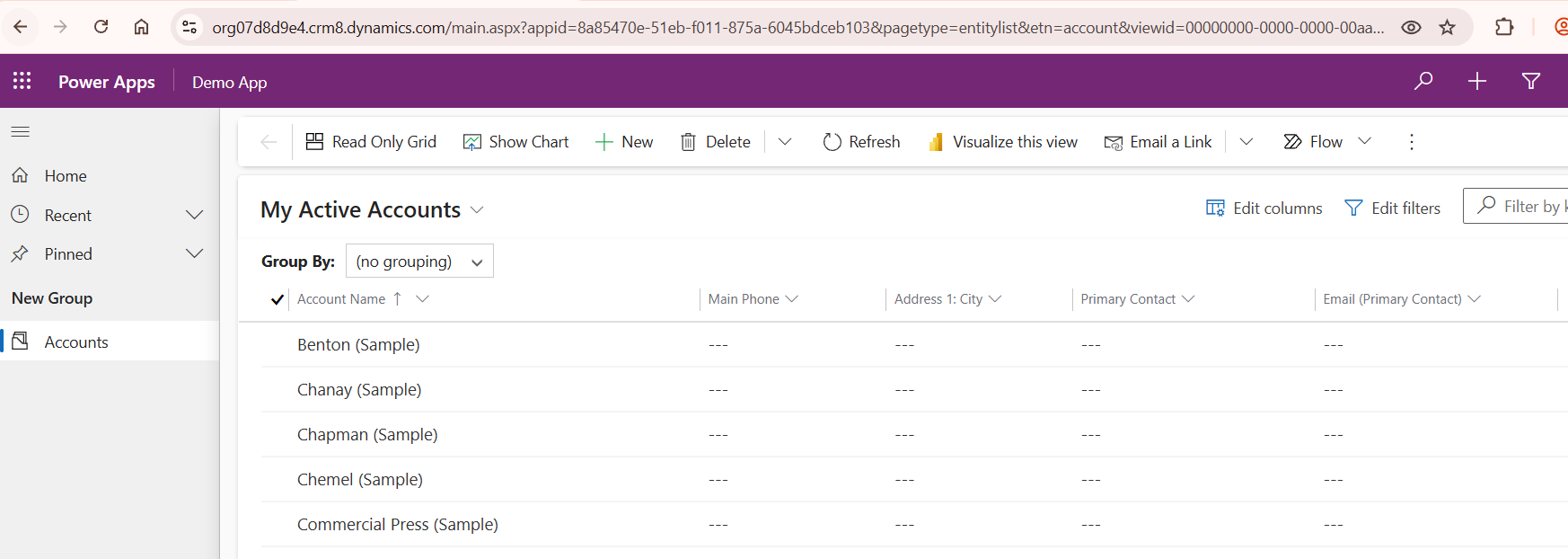
- Now if i want to Hide the Navigation do the below operation
- Copy the URL and Paste it in NotePad and add below lines "&navbar=off"

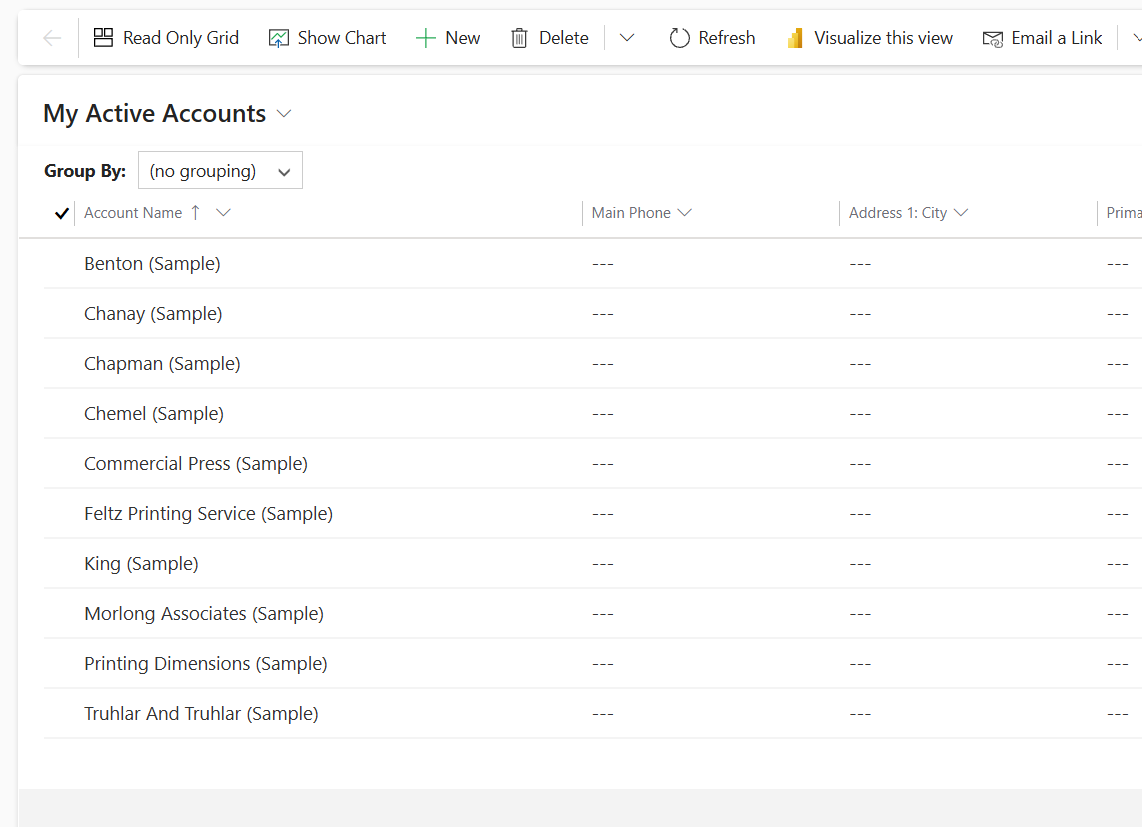
- Now if you try to load you will get Left Navigation bar hidden like below
- Now lets try to hide the Command Bar

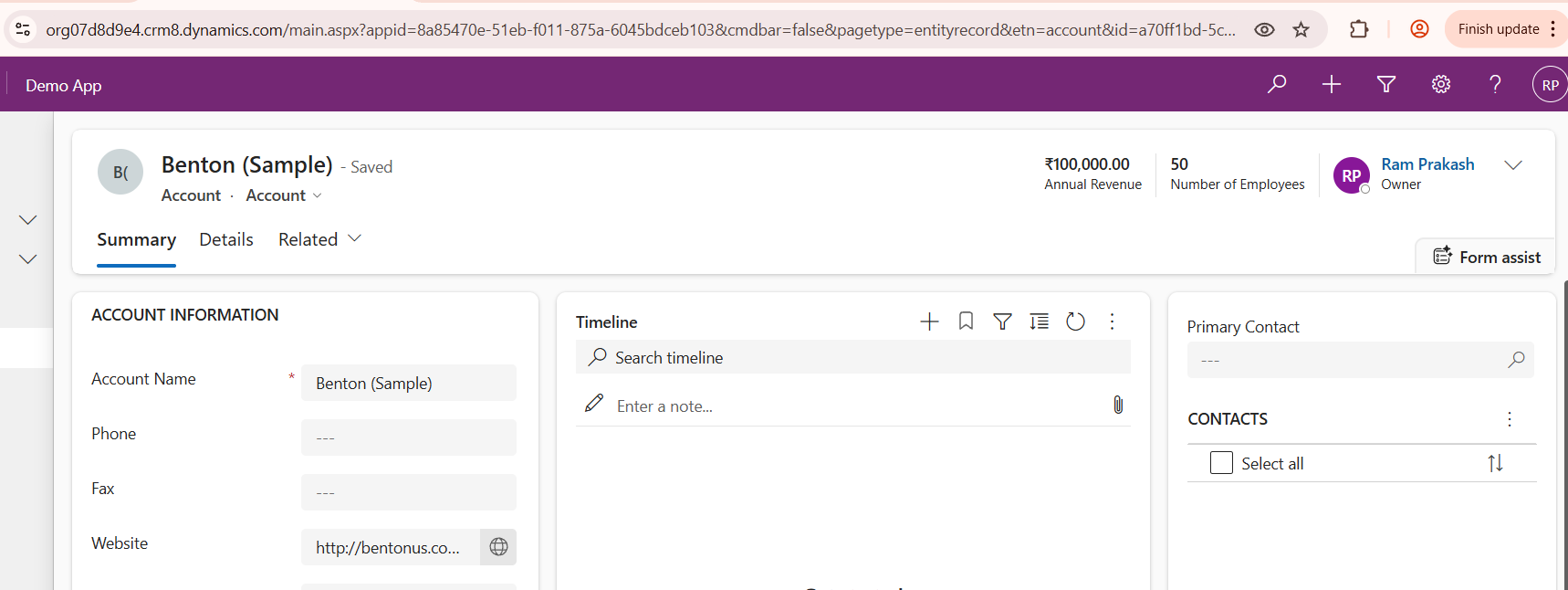
- If you want to hide both then use the below URL

-
Conclusion:
If we follow above steps we can easily hide the command and Navigation bar.
code snippet widget


