web
You’re offline. This is a read only version of the page.
close
Skip to main content

Notifications

Announcements

Community site session details

Community site session details

Session Id :
Power Platform Community / Forums / Power Pages / New Interface for Cust...
Power Pages
Answered

New Interface for Customizations: where do I add a control to an entity like Pipeline View?

(1) ShareShare
ReportReport
Posted on by 19
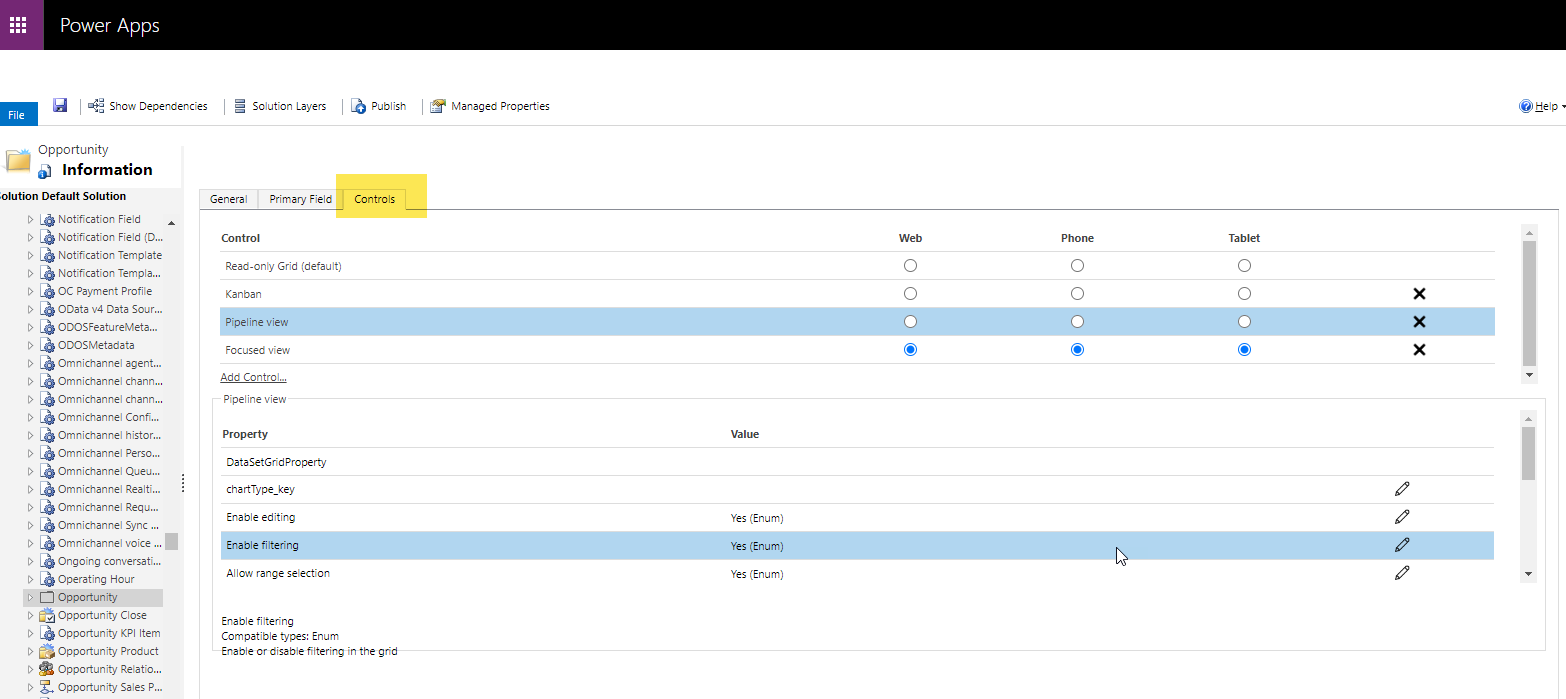
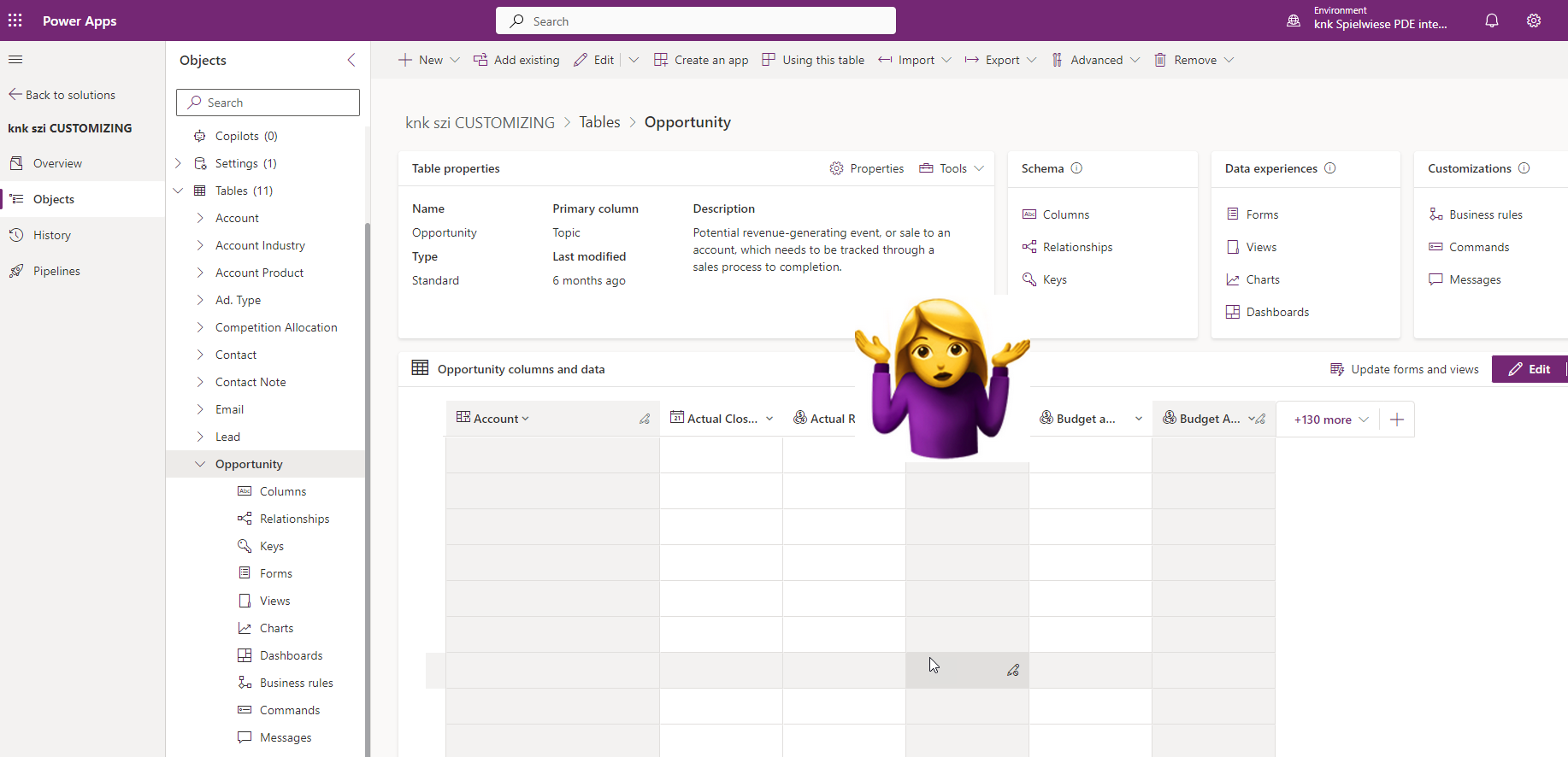
Hey Folks, since the old interface is fading more and more into the background, I am trying to customize everything in the “new” one via make.powerapps. 
I'm sorry if I'm full of tomatoes, but where in the 'new' interface can I set up or customize components such as the pipeline view for sales opportunities for an entity?
Thanks for any advice, Simone
 
Old Interface:
New Inteface: I have tried settings that seem to me to be the most suitable, but have not found anything there either.
 
Categories:
I have the same question (0)
  • Verified answer
    Fubar Profile Picture
    8,379 Super User 2025 Season 2 on at
    You can add them directly to Views - not sure if it applies to that component or not but does for others like Kanban.
    Table->Views, then open the view it should then show a Components button in the top menu, click it then click Add component,  and then if you do not see it in the list (which is more than likely) click the Get more components link
     
     
  • Suggested answer
    SimoneZink Profile Picture
    19 on at
    Thank you so much Furbar! I am so excited because this reloves another issue I had with the Power Grid Control 🥳. If I assign a control via the entity in the old interface, it affects all views (but does not show up in the views in the new interface). This was not expedient, as a subgrid configuratoin often is depentant on the View itself. e.g. Looking at active Accounts I only want to focus on open opportunities in the subgrid, looking at inactive Accounts I want to see all. In another view do not want that subgrid at all or referring to another entity. Now I can deliver different configurations for each view. That is sooo cool!!!!!!!!!!
    An I just tried an verified that by removing the Power Grid Control via the old interface an adding it only to specific views with different configurations.
     
    Example for Active Accounts with only Open Opportunities in Subgrid
     
    Example for Inactive Accounts with All Opportunites in Subgrid
    Example without power grid control

Under review

Thank you for your reply! To ensure a great experience for everyone, your content is awaiting approval by our Community Managers. Please check back later.

Helpful resources

Quick Links

Forum hierarchy changes are complete!

In our never-ending quest to improve we are simplifying the forum hierarchy…

Ajay Kumar Gannamaneni – Community Spotlight

We are honored to recognize Ajay Kumar Gannamaneni as our Community Spotlight for December…

Leaderboard > Power Pages

#1
Fubar Profile Picture

Fubar 89 Super User 2025 Season 2

#2
Jerry-IN Profile Picture

Jerry-IN 75

#3
sannavajjala87 Profile Picture

sannavajjala87 31

Last 30 days Overall leaderboard



