web
You’re offline. This is a read only version of the page.
close
Skip to main content

Notifications

Announcements

Community site session details

Community site session details

Session Id :
Power Platform Community / Forums / Power Pages / SharePoint Integration...
Power Pages
Unanswered

SharePoint Integration - My Documents

(0) ShareShare
ReportReport
Posted on by 7
Hi,
 
I need to create a new page "My Document" in my Power Page Portal where every Contact registered on the portal can see own Sharepoint Documents
 
In particular I've created a new Form in the Portal with some fields related to "Contact" Table and a List based on "Document Location" table.
 
 
Then in the Portal management I've set:
 
 
So the main record is the current portal user (contact) and my expectation is that when a user go in My Documents page automatically is created a folder in Contact site content in Sharepoint.
After creating a contact and sent the portal invitation code, the external contact user has able to sign in in the portal, access to My Documents page but he see in the portal:
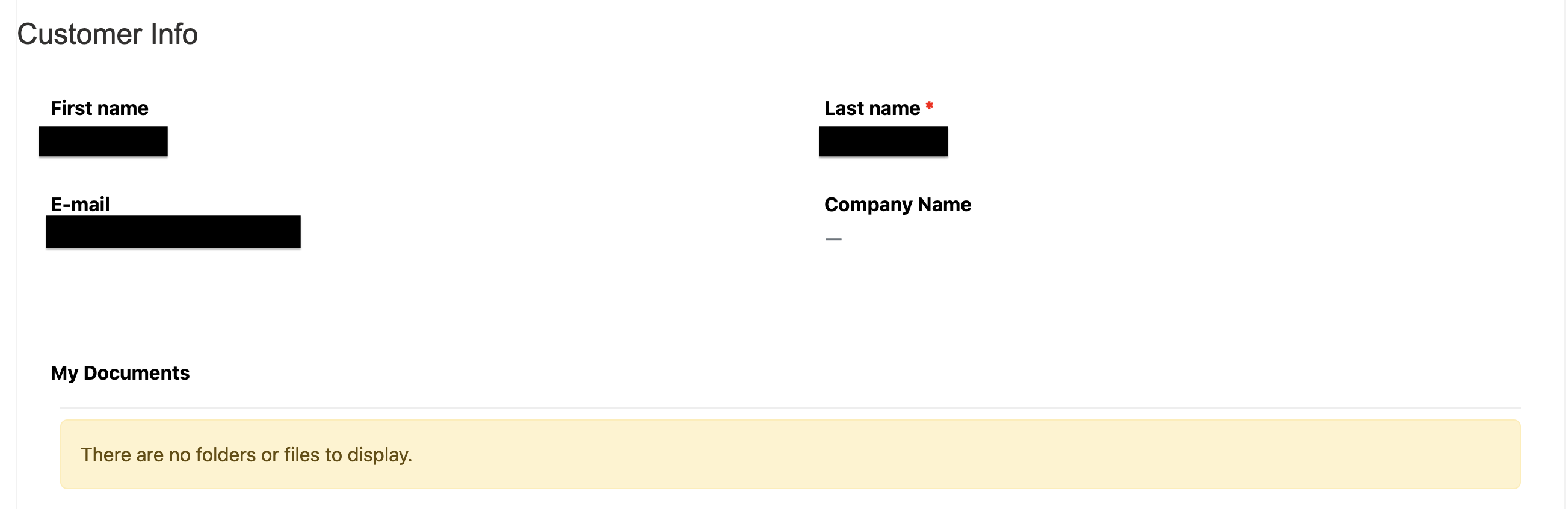
 
And on SharePoint site (configured based on entity Contact):

 
I do not see any folder created:
 
Are there something that I missing to permit the automatic creation of contact folder with the relative contactId in the name?
 
Best Regards
Vincenzo
Categories:
I have the same question (0)
  • SaiRT14 Profile Picture
    1,990 Super User 2025 Season 2 on at
    Hi
     

    If the folder is not created:

    Go to Settings > Advanced Settings > System Jobs in Dynamics. Look for the "Document Location Auto Create" job. If it has failed: Open the error log for details. Fix any missing configurations or permissions in Dynamics.
     
     
  • RK2021 Profile Picture
    91 on at
    As suggested - Is the folder being created at all i.e. is visible on SharePoint in Contact library? If not the issue is earlier in the process.
     
    I also believe there are some constraints around the document grid and which view is used.
     
  • GWham Profile Picture
    58 Moderator on at
    You could try giving global entity permissions temporarily to rule out a permissions issue.

Under review

Thank you for your reply! To ensure a great experience for everyone, your content is awaiting approval by our Community Managers. Please check back later.

Helpful resources

Quick Links

Forum hierarchy changes are complete!

In our never-ending quest to improve we are simplifying the forum hierarchy…

Ajay Kumar Gannamaneni – Community Spotlight

We are honored to recognize Ajay Kumar Gannamaneni as our Community Spotlight for December…

Leaderboard > Power Pages

#1
Fubar Profile Picture

Fubar 89 Super User 2025 Season 2

#2
Jerry-IN Profile Picture

Jerry-IN 75

#3
sannavajjala87 Profile Picture

sannavajjala87 31

Last 30 days Overall leaderboard
