As more makers start adopting supervised agents in Power Apps, one question comes up frequently:
“How do I know what my agents are doing behind the scenes?”
Agents are incredibly useful, but like any automation, they can pause, miss required data, or stop without providing a clear explanation. To address this, Microsoft introduced Agent Feed (Preview), a centralized and streamlined view that helps you track, review, and manage all agent activity in one place.
In this blog, we’ll explore how Agent Feed enhances visibility and simplifies troubleshooting through practical, real-world scenarios.
Where to Find the Agent Feed
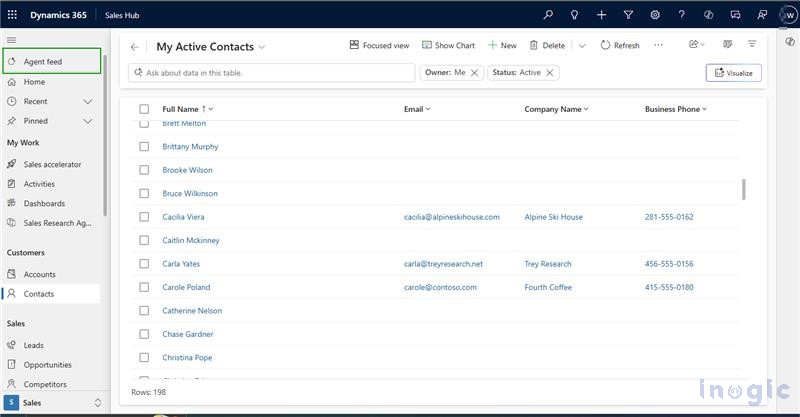
When you add a supervised agent to your model-driven app, the Agent Feed is created automatically and appears in the app’s left navigation. This gives you a central place to track all agent activity. Agents listed under ‘In your environment’ are included in the feed, making them easy to access and manage directly within the app.
Opening the feed provides a clean, organized view of all activity. Instead of scrolling through logs or switching between screens, you get one convenient location to monitor your agents and stay on top of their tasks.
Filtering the Activity Feed to Find an Issue
Imagine your support agent suddenly stops in the middle of a workflow. You’re not sure whether it failed, paused, or got stuck waiting for data.
With Agent Feed, the fix is simple. Here’s how you narrow it down:
- Open the Filter Options
At the top of the feed, you’ll see a filter icon. This helps you sort and focus your activity list...Read More>>


