web
You’re offline. This is a read only version of the page.
close
Skip to main content
Community site session details

Community site session details

Session Id :
Power Automate - Building Flows
Answered

True and False expression on powerautomate does not sync with sharepoint list

(0) ShareShare
ReportReport
Posted on by 25

Hi everyone,

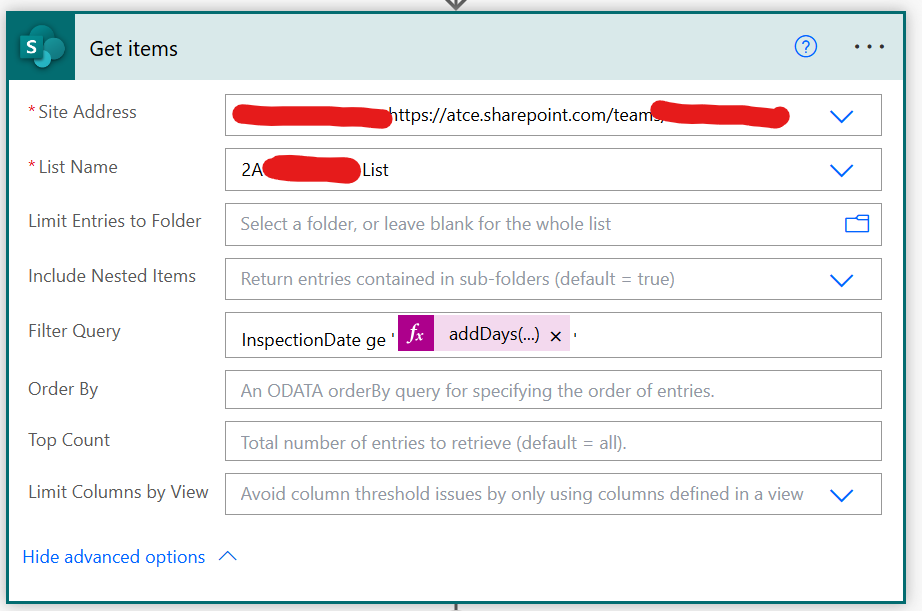
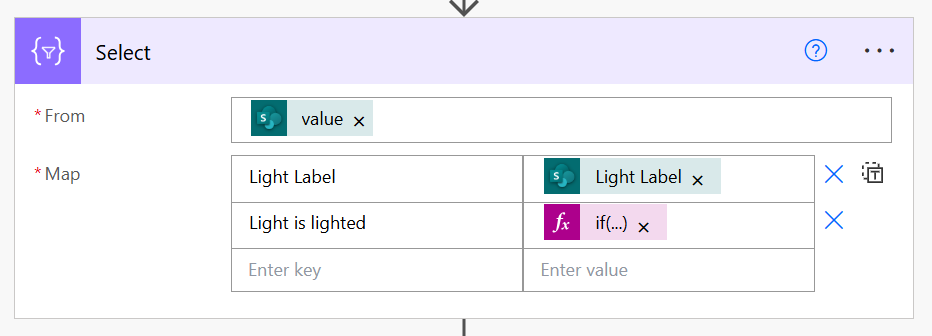
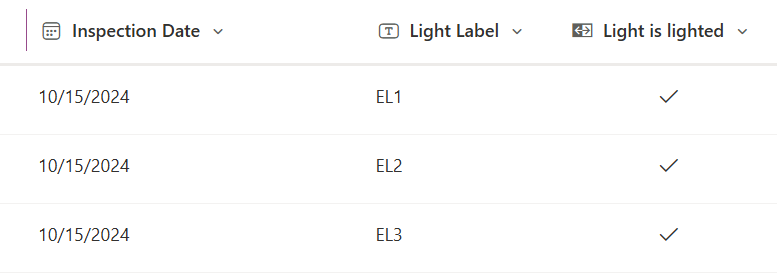
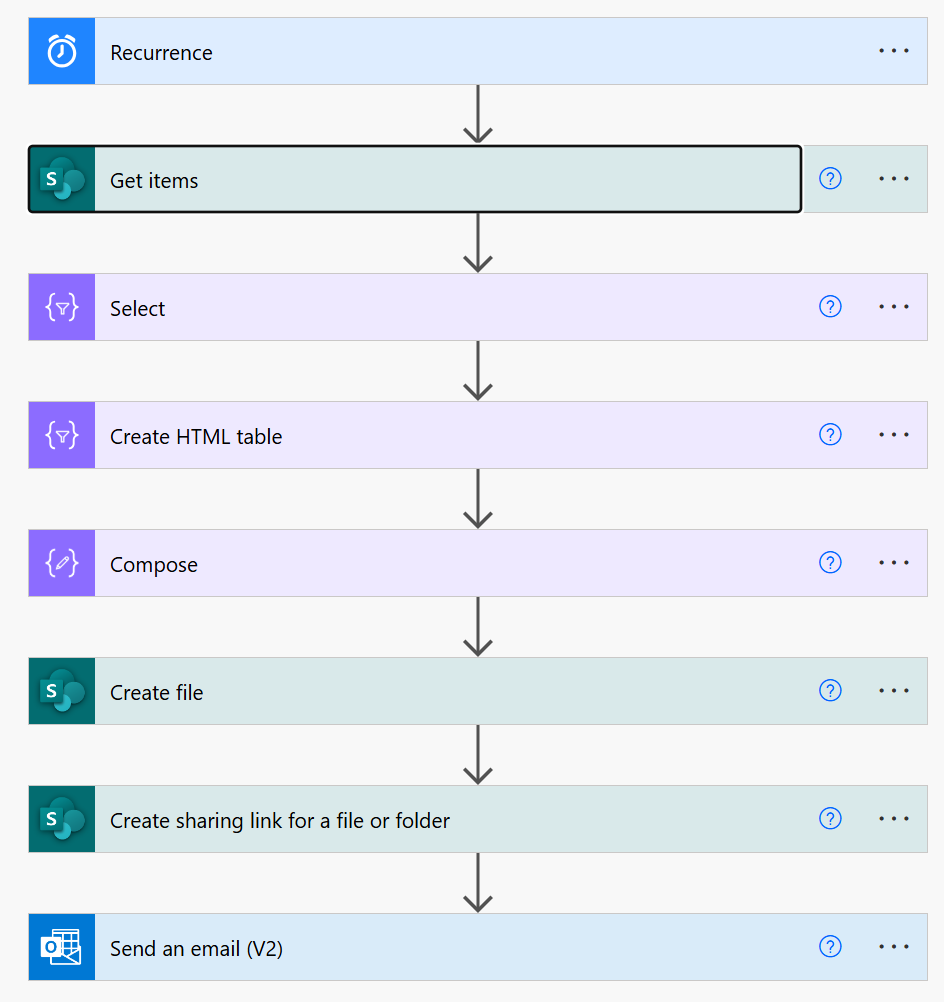
I have created a sharepoint list and configure the column to be Yes or No. It will indicate a tick for Yes while for No it will be left blank. When i configure my automation for the select action i have use expression if(equals(item()?['field_3'],true),'Yes','No') to generate the Yes or No. It ran successfully however instead of Yes for true cases (tick), it generated No instead in the following create HTML table. Attach is my flow and portion of the detail for visibility.

Any help is appreciated.

Flow overviewUser's image
User's image

User's image

HTML TableUser's image

Sharepoint listUser's image

Expression

SQL
 
if(equals(item()?['field_3'],true),'Yes','No')
I have the same question (0)
  • Verified answer
    Expiscornovus Profile Picture
    32,912 Most Valuable Professional on at
    True and False expression on powerautomate does not sync with sharepoint list
     
    Can you double check you used the correct field name? I see you used field_3, it might be different. You can check this in the inputs of your Select action.
     
     
    Additionally, you can simplify your expression. Since the field already returns a boolean output, you wouldn't need an equals for the conversion to a string value.
     
    Below is an updated example
     
    if(item()?['Lightislighted'], 'Yes', 'No')
     
    Test result of that new expression
     
  • DT-14120550-0 Profile Picture
    25 on at
    True and False expression on powerautomate does not sync with sharepoint list
    Hi,
     
    You are correct. I did not realise the column name isnt the same till you pointed it out by reviewing the select output. I also learn the internal name would not change when after editing and hence I thought the display name is the same as internal. I have copy the list from other location and edited the name. Thanks for the great help which took me almost a month figuring it out.

Under review

Thank you for your reply! To ensure a great experience for everyone, your content is awaiting approval by our Community Managers. Please check back later.

Helpful resources

Quick Links

Responsible AI policies

As AI tools become more common, we’re introducing a Responsible AI Use…

Chiara Carbone – Community Spotlight

We are honored to recognize Chiara Carbone as our Community Spotlight for November…

Leaderboard > Power Automate

#1
Michael E. Gernaey Profile Picture

Michael E. Gernaey 614 Super User 2025 Season 2

#2
Tomac Profile Picture

Tomac 401 Moderator

#3
chiaraalina Profile Picture

chiaraalina 282

Last 30 days Overall leaderboard